User Guide – DOC. 8421A TSR-310: Handheld Touch Screen Remote • 41
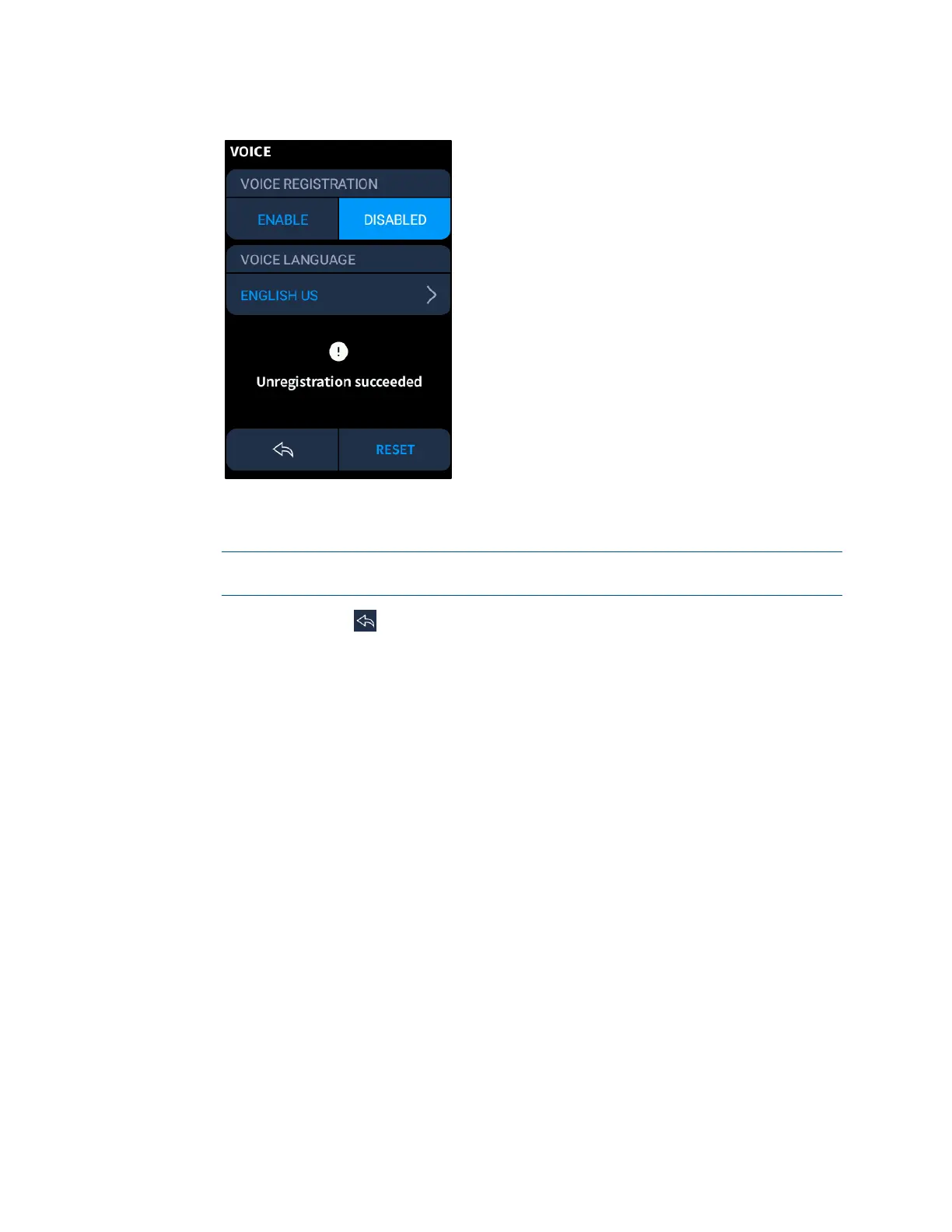
VOICE Screen - Unregistration Successful
• Tap the currently selected language under VOICE LANGUAGE to display a screen
for selecting a language to use with the voice control service.
NOTE: English (US and UK variants) is the only language currently supported by
the TSR-310 for voice control.
Tap the back arrow icon
to return to the previous screen. Tap RESET to save any
changes and to reset the TSR-310 with the new settings applied.
Edit Quick Actions
Use the QUICK ACTIONS selection to edit the quick actions that are displayed on the
QUICK ACTIONS screen. For more information on quick actions, refer to "Quick Actions"
on page
17.
Tap Edit quick actions to display the EDIT QUICK ACTIONS screen.



 To Next Page