44 • TSR-310 Handheld Touch Screen Remote User Guide – DOC. 8421A
Appendix A: Create User Profiles
The TSR-310 user interface features user profiles to give each household member
customized control over the media system. The user profiles created for cable TV
providers or DVR (digital video recorder) devices in the Crestron Pyng system are paired
with the TSR-310 automatically.
The Crestron Pyng user interface is accessible from a touch screen running the Crestron
Pyng user project or from XPanel.
NOTE: The cable TV receiver or DVR must be accessible from the media room where the
TSR-310 is paired to receive its user profiles.
To add a user profile for a cable TV provider or DVR:
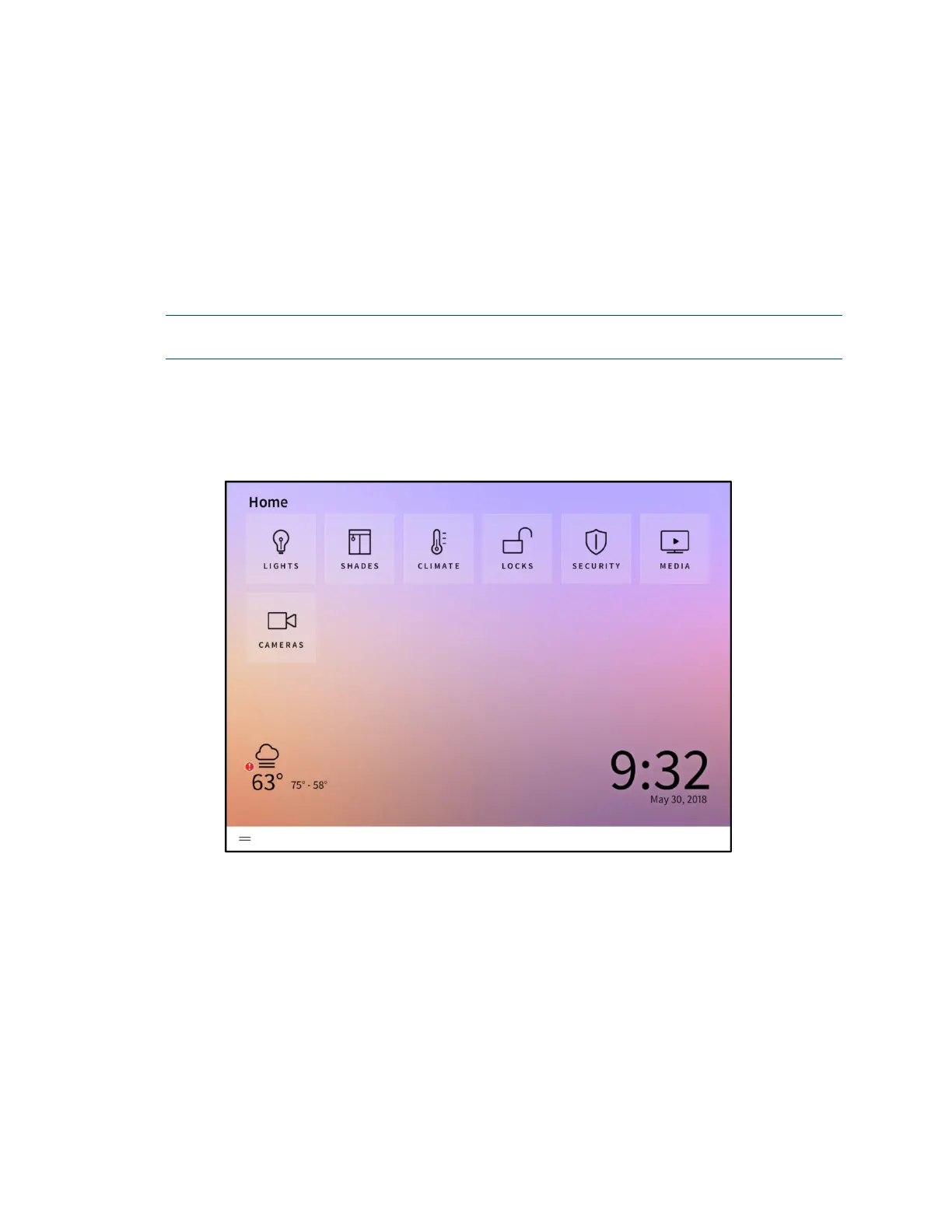
1. On the Home screen in the user interface, tap the MEDIA button.
Home Screen
The Select a Source screen is displayed.



 To Next Page