User Guide – DOC. 8421A TSR-310: Handheld Touch Screen Remote • 25
To change the thermostat that is controlled by the TSR-310, tap the thermostat name
on the
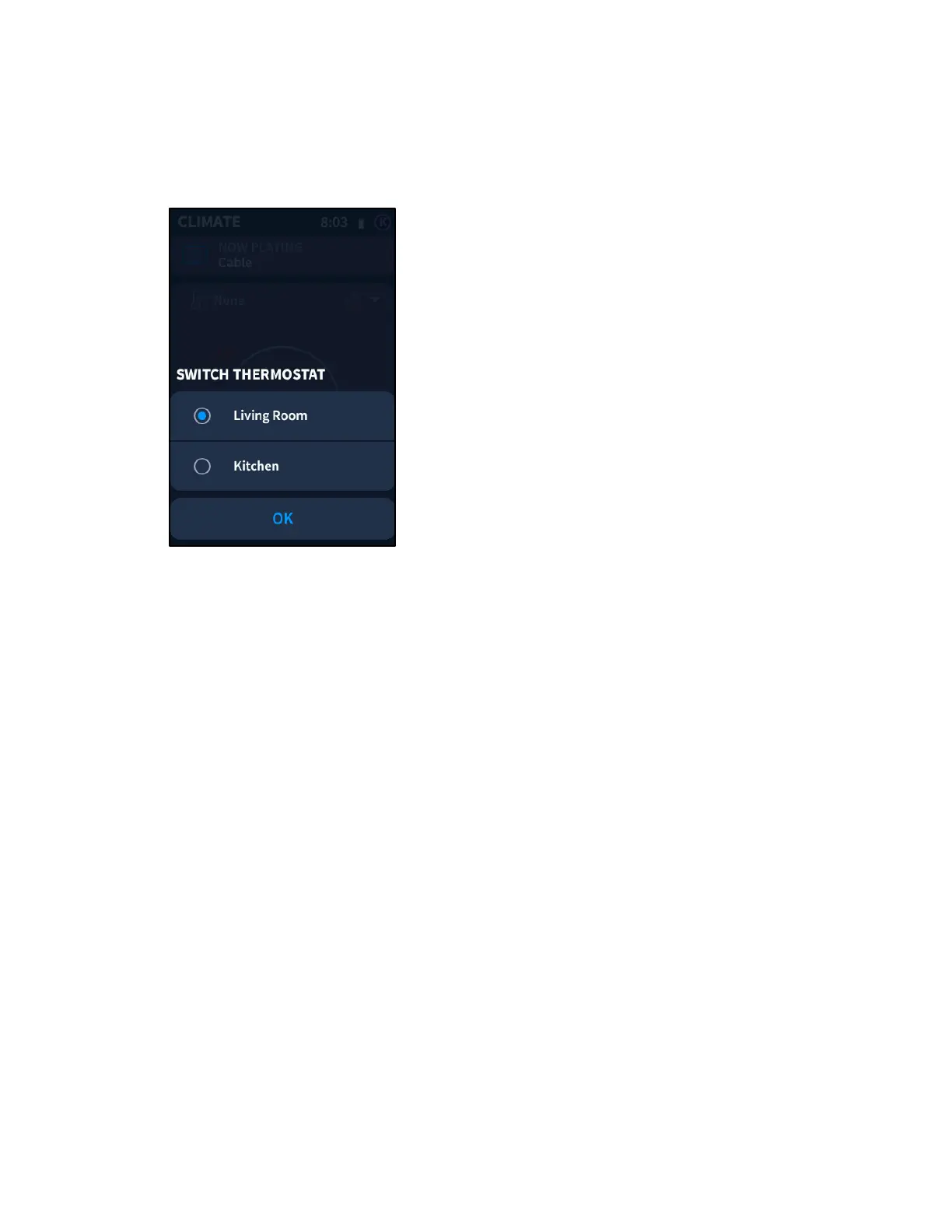
CLIMATE screen. A SWITCH THERMOSTAT screen is displayed.
CLIMATE Screen - SWITCH THERMOSTAT Menu
A filled button icon is displayed to the left of the selected thermostat.
To change the thermostat, swipe up or down through the available thermostats, and
then tap the thermostat to select it.
Tap OK to return to the CLIMATE screen.



 To Next Page