34
3.2.4 Electromagnetic disturbance
We recommend a minimum distance of 2m between the charger and any potentially sensitive equipment.
Use shielded cables for all the connections (*). The shielding should be earthed at both the transmitting and
the receiving ends.
Keep cable length and shielding connections to a minimum.
Route cables as close as possible to conductive parts ("loose" cables or loops should be avoided – cables
should be placed against the hull or walls).
Keep power cables separate from battery cables.
Keep power cables separate from control cables (at least 200mm).
The cables should only supply power to this appliance; any deviation to power another appliance is
prohibited.
(
*
)
This is a recommendation for installation rather than an obligation. The installing electrician should decide
whether or not to use shielded cable depending on the EMC environment.
3.3 CONFIGURATION - ADJUSTMENT – INDICATORS
The charger can be configured in 3 different ways.
- Via parameter push-buttons (see section 3.3.1)
- Via Bluetooth (see section 3.3.2)
- Via CANBUS (see section 3.3.4)
3.3.1 Setting by push-buttons
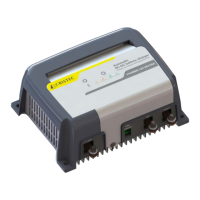
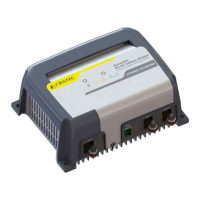
The chargers are equipped with 2 parameter buttons for configuring the charger, including battery
type (see section 3.3.1.1) and activation of BOOST and REFRESH modes (see section 3.3.1.2).
A first short press unlocks the settings, and allows you to modify the parameters by pressing the buttons
in succession. Each press on one of the buttons changes the field, and a LED indicates the charger's status.



 To Next Page