AirData 150 S2 USB User Manual
48
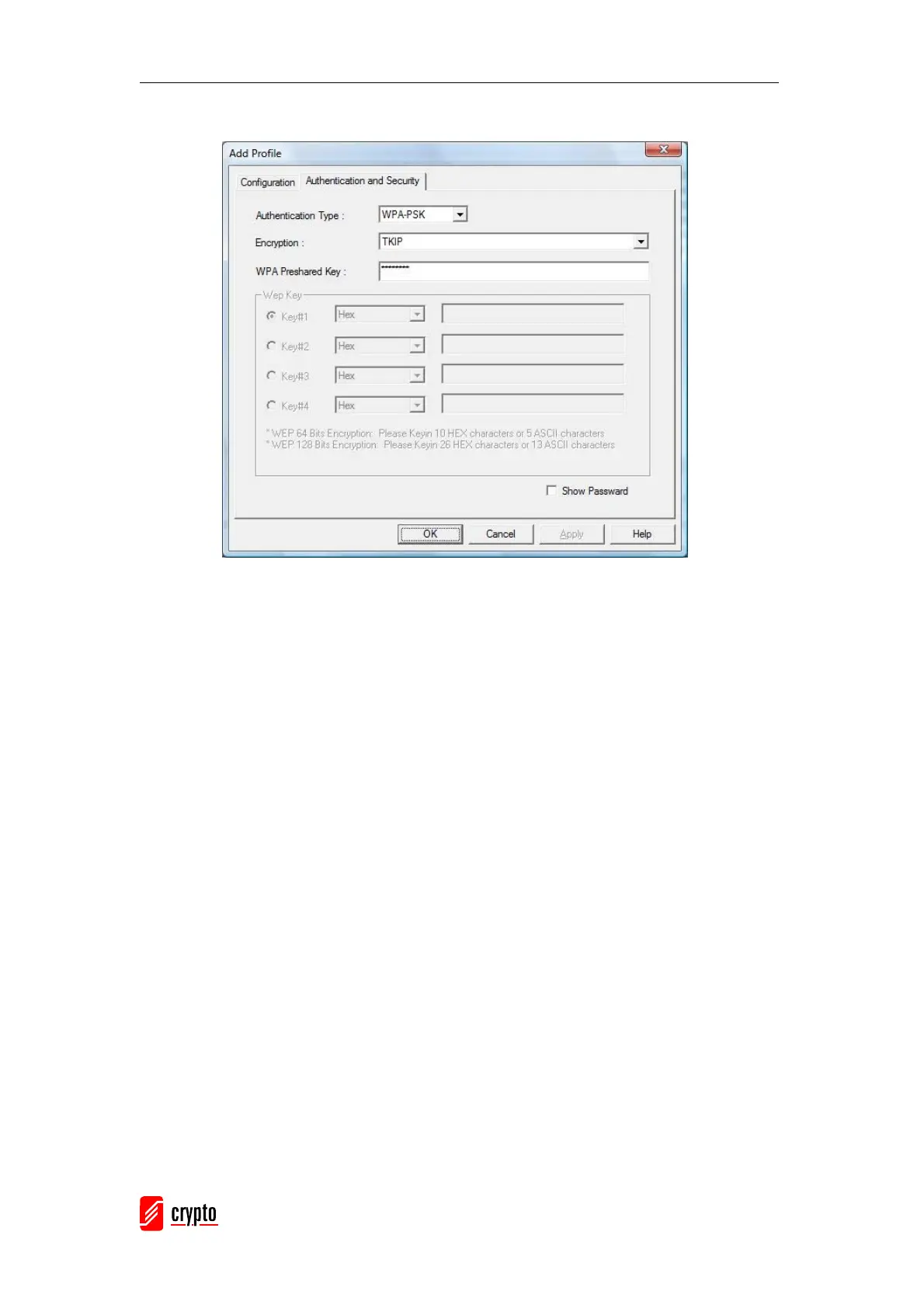
[Authentication and Security page]
Authentication Type: Authentication of the desired network. For infrastructure
network, the available modes are Open, Shared, WPA, WPA-PSK, WPA2, and
WPA2-PSK.
Open: No authentication is needed among the wireless devices.
Shared: Only Wireless device using a shared key (WEP Key identifier) is
allowed to connect to each other. The user has to setup the same key with the
wireless device that the adapter intends to connect to.
WPA: WPA provides a scheme of mutual authentication using either IEEE
802.1x/Extensible Authentication Protocol (EAP) authentication or pre-shared
key (PSK) technology. It provides a high level of assurance to enterprise, small
business and home users that data will remain protected and that only
authorized users may access their networks. For enterprises that have already
deployed IEEE 802.1x authentication, WPA offers the advantage of leveraging
existing authentication databases and infrastructure.
WPA-PSK – It is a special mode designed for home and small business users
who do not have access to network authentication servers. In this mode, known
as Pre-Shared Key, the user manually enters the starting password in their
access point or gateway, as well as in each wireless station in the network.
WPA-PSK takes over automatically from that point, keeping unauthorized users
that don’t have the matching password from joining the network, while encrypting
the data traveling between authorized devices.



 To Next Page