AirData 150 S2 USB User Manual
65
conditions as follows:
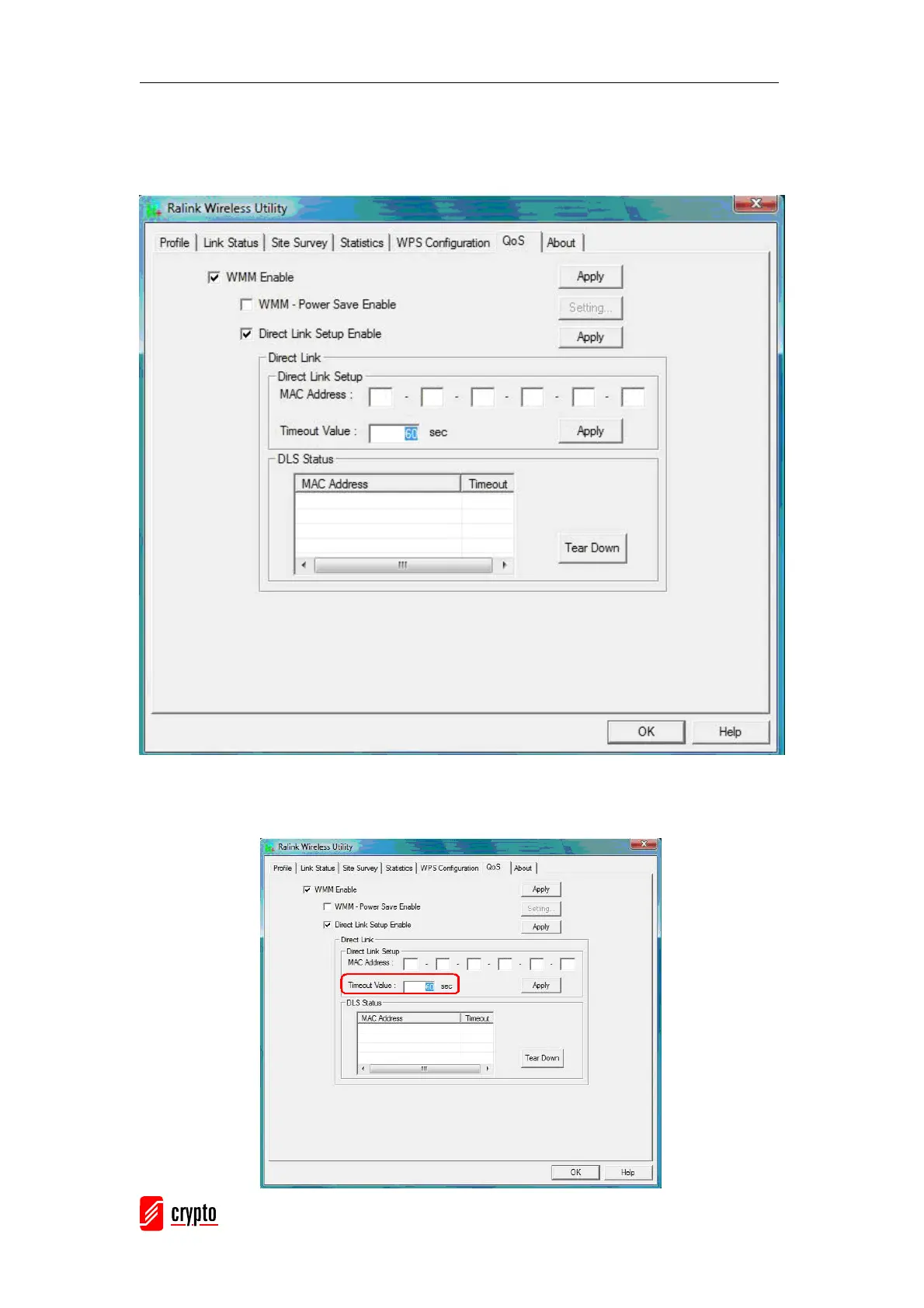
Step1: Connect with the same AP that supports DLS features.
Step2: Have to enable DLS.
Timeout Value represents that it disconnects automatically after some seconds. The value is
an integer with values between 0~65535. It represents that it always is connected when the
value is zero. The default value of Timeout Value is 60 seconds



 To Next Page