AirData 150 S2 USB User Manual
66
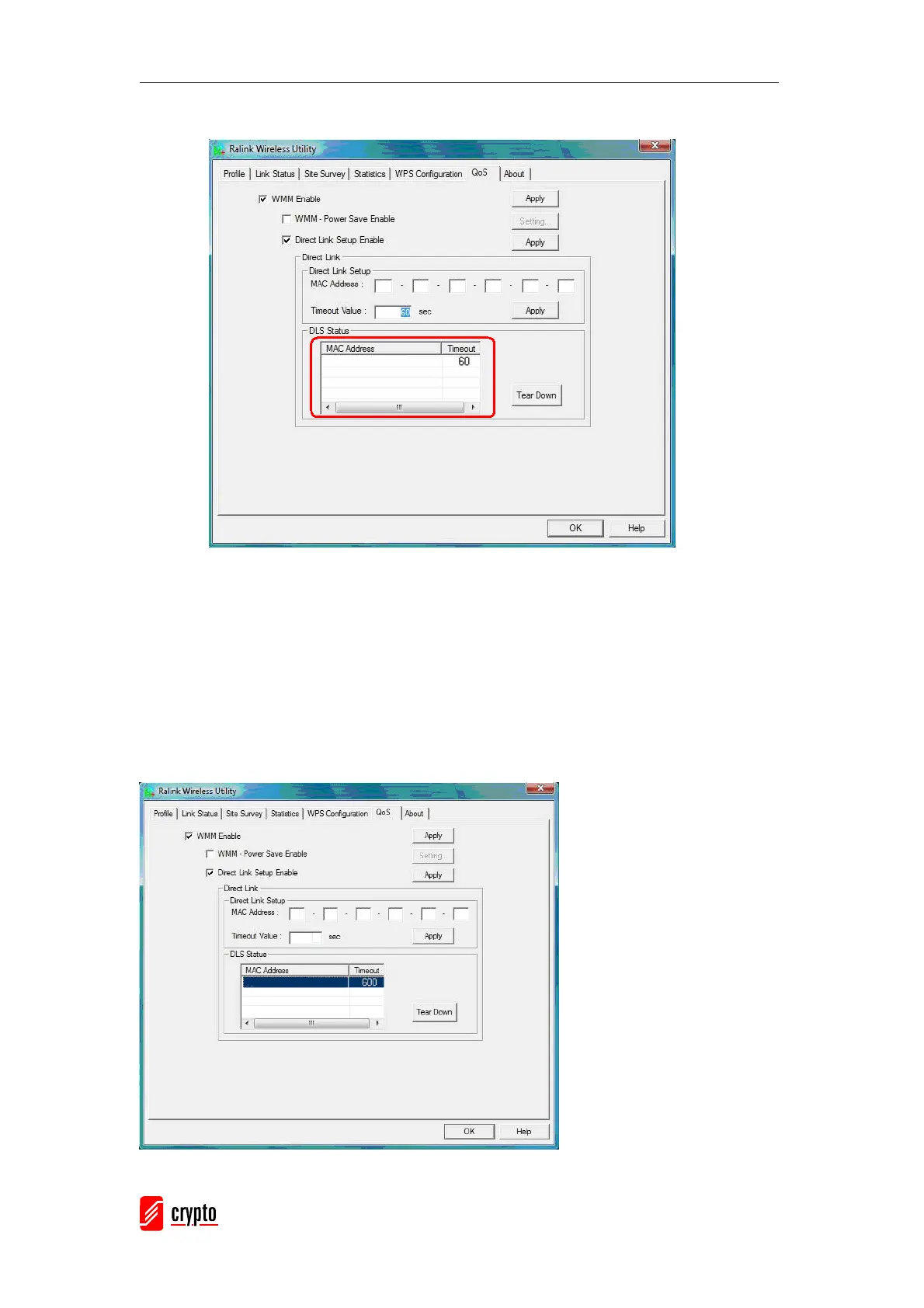
Click “Apply” button. The result is illustrated in the following figure.
Describe “DLS Status” as follow:
As shown in the figure above, after successfully configuring the DLS, the MAC address of the
device connected and the Timeout Value of setting in “DLS Status” will be shown. In the
“DLS Status” of the connected device, the MAC address of the Airdata Wireless USB adapter
and the Timeout Value setting will be shown.
Display the values of “DLS Status” to “Direct Link Setup” as follows:
Step1: In “DLS Status”, select a direct link STA that you want to show it’s values in “Direct
Link Setup”.



 To Next Page