Korinthou 11, 14451 Metamorfosi Τel: 210-8098700, Fax: 210-6122512
Site: www.crypto.gr, Email: crypto@crypto.gr
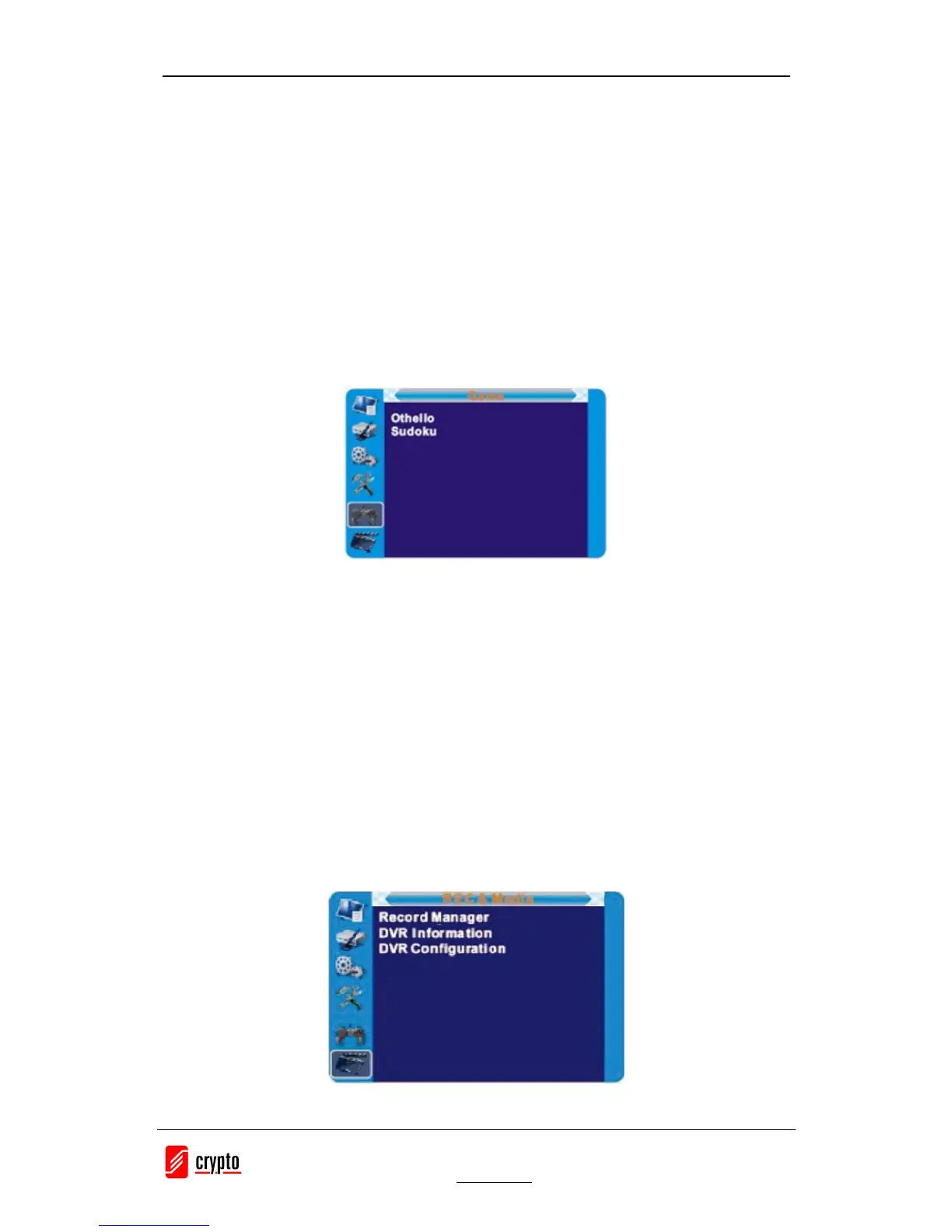
8. GAME
8.1 Game
This menu allows you to play games.
1. Press the "MENU" button to enter main menu.
2. Press "UP" or "DOWN" button to highlight "Game", press "RIGHT" button to enter the Game
menu.
3. Press "UP" or "DOWN" cursor button to highlight the desired item and press "OK" button to
enter the game.
4. Press "EXIT" button to exit.
9. REC
9.1 REC
1. Press the "MENU" button to enter main menu.
2. Press "UP" or "DOWN" button to highlight "REC", press "RIGHT" button to enter the REC &
Media menu.
3. Press "UP" or "DOWN" cursor button to highlight the desired item and press "OK" button to
enter the sub-menu.
4. Press "EXIT" button to exit.


 To Next Page