Database Management Creating a new database
Scanshell.net User Guide © 2005 Card Scanning Solutions 37
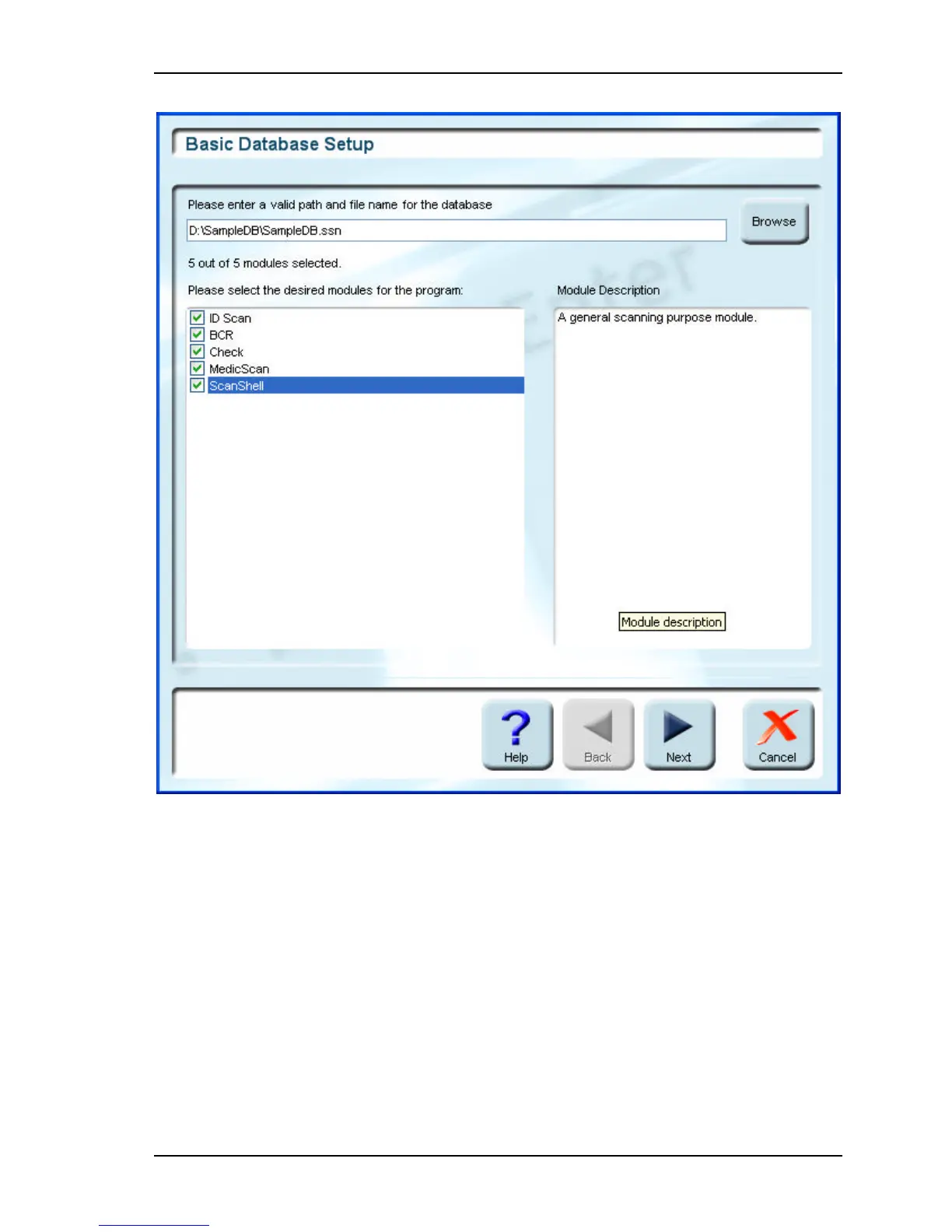
Figure 6-1: Module selection window
3. Click on the Browse button on the right. Choose a location in the Windows
Explorer window that opens, create a file for the database, and click Save.
4. Select the modules you want to use in conjunction with this database. You can view
a description of the module in the right column by selecting it. Click next.



 To Next Page