Live Update Print Preview
Scanshell.net User Guide © 2005 Card Scanning Solutions 91
12. LIVE UPDATE
Live Update keeps your software up to date, by checking for updates using your Internet
connection. If updates are available, Scanshell.net will download and install them
automatically.
1. Click the Live Update button in the main screen or select Live Update from the
Tools menu.
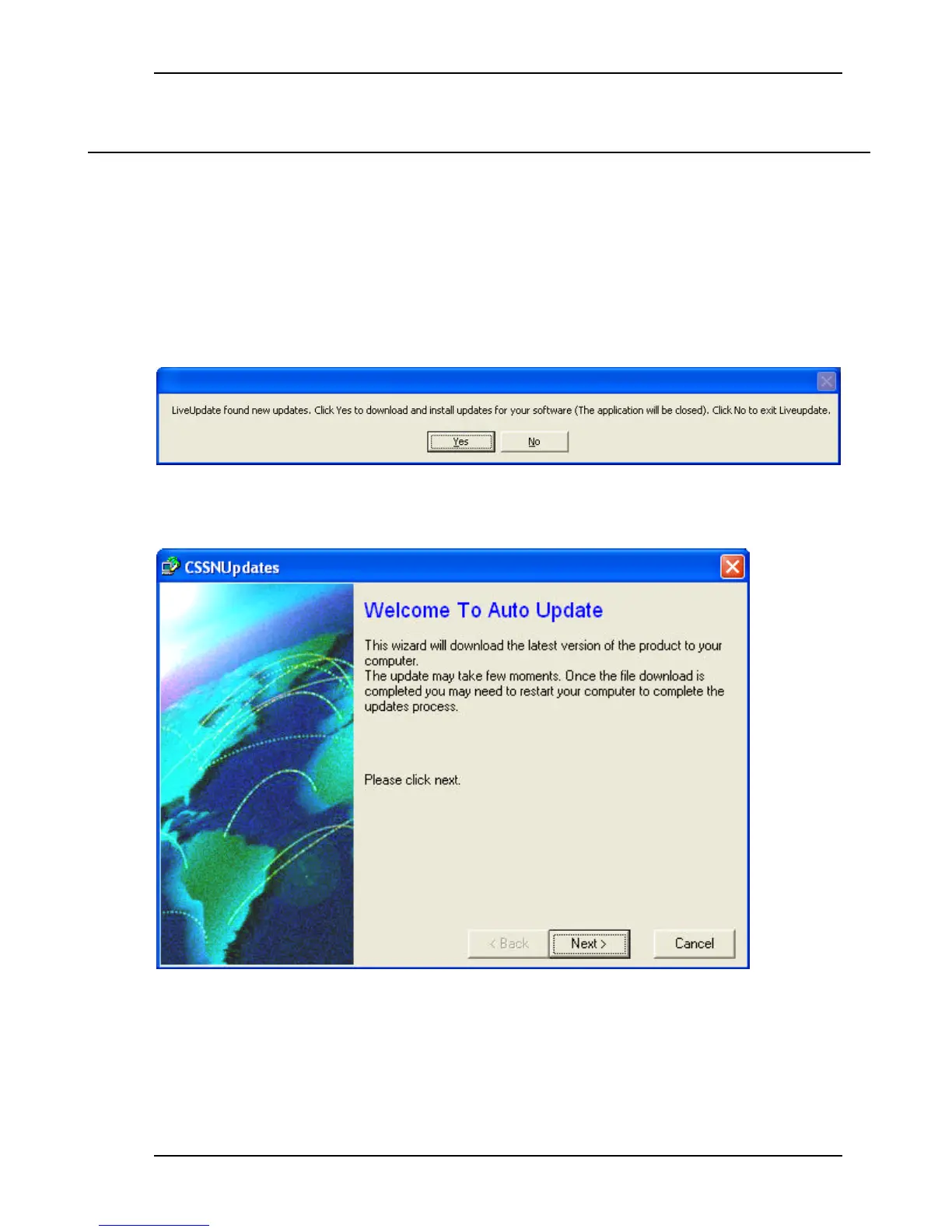
2. If there are updates for your program you will see the following dialog:
3. Click Yes if you want to download and install the updates.
4. The following screen will appear:
5. Click Next.



 To Next Page