Printing Selecting fields
Scanshell.net User Guide © 2005 Card Scanning Solutions 84
SELECTING FIELDS
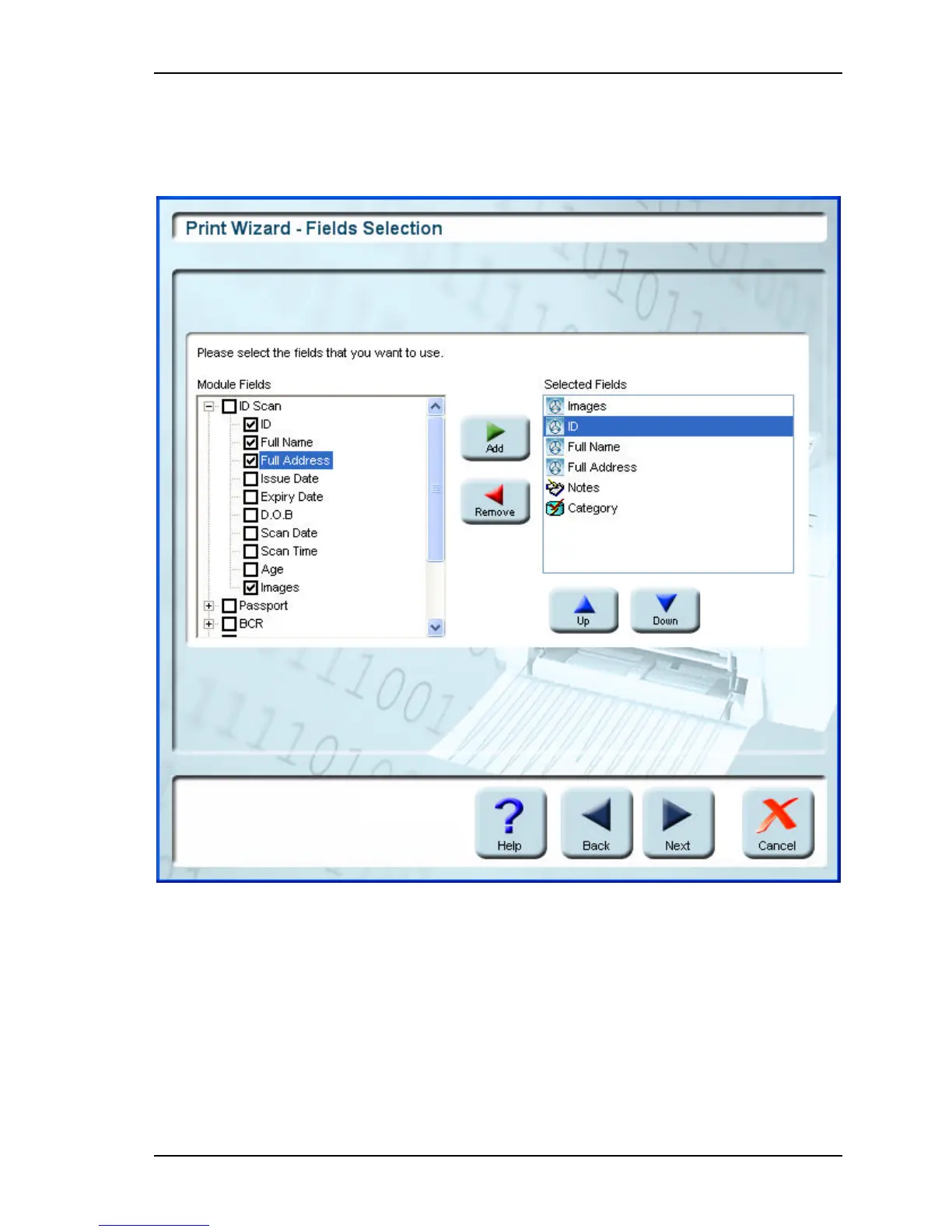
You can select the fields that you want to print from each module:
Figure 10-2: Print Wizard - Fields selection screen
§
Select the checkboxes of the modules you want to print. Selecting a module will
automatically select all its fields and display them in the Selected Fields column on the
right. You can print selected fields only, as follows:
§
Click on the "+" of a module to open it.
§
The module's field list will open.



 To Next Page