Exporting data Exporting to file
Scanshell.net User Guide © 2005 Card Scanning Solutions 57
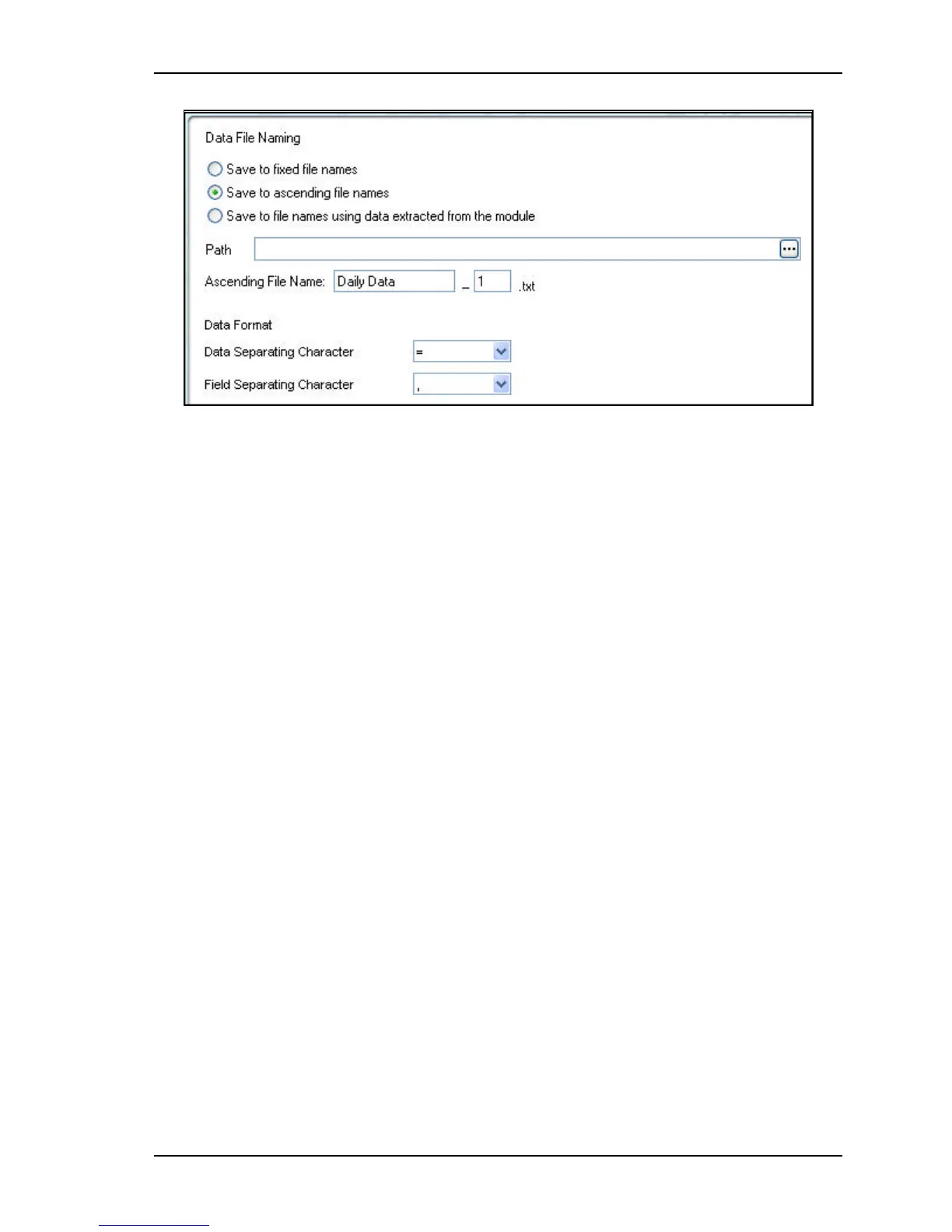
Figure 8-12: Export file name configuration
2. Type in a path in which to save the file, or click on the button to the right, and
select a location in which the file will be saved.
DATA FILE NAMING
§ Select the desired automatic file naming option:
s
Save to fixed file name - The file will have a fixed name. Example. If you fill
in the data file name: CSSN_ID, the resulting file name will be CSSN_ID.txt.
The following file that is created will have the same name.
s
Save to ascending file name - In the file name field, fill in the name prefix
and starting count number. Example. If you fill in the data file name:
CSSN_ID | 0, the resulting file name will be CSSN_ID0.txt. The following
file will be named CSSN_ID1.txt etc.
s
Save to file name using extracted data from ID – The file name is
determined by the field you select. Example: If you select the ‘Family name’
field, and the scanned card cardholder name is Smith, the file will be named
smith.txt.



 To Next Page