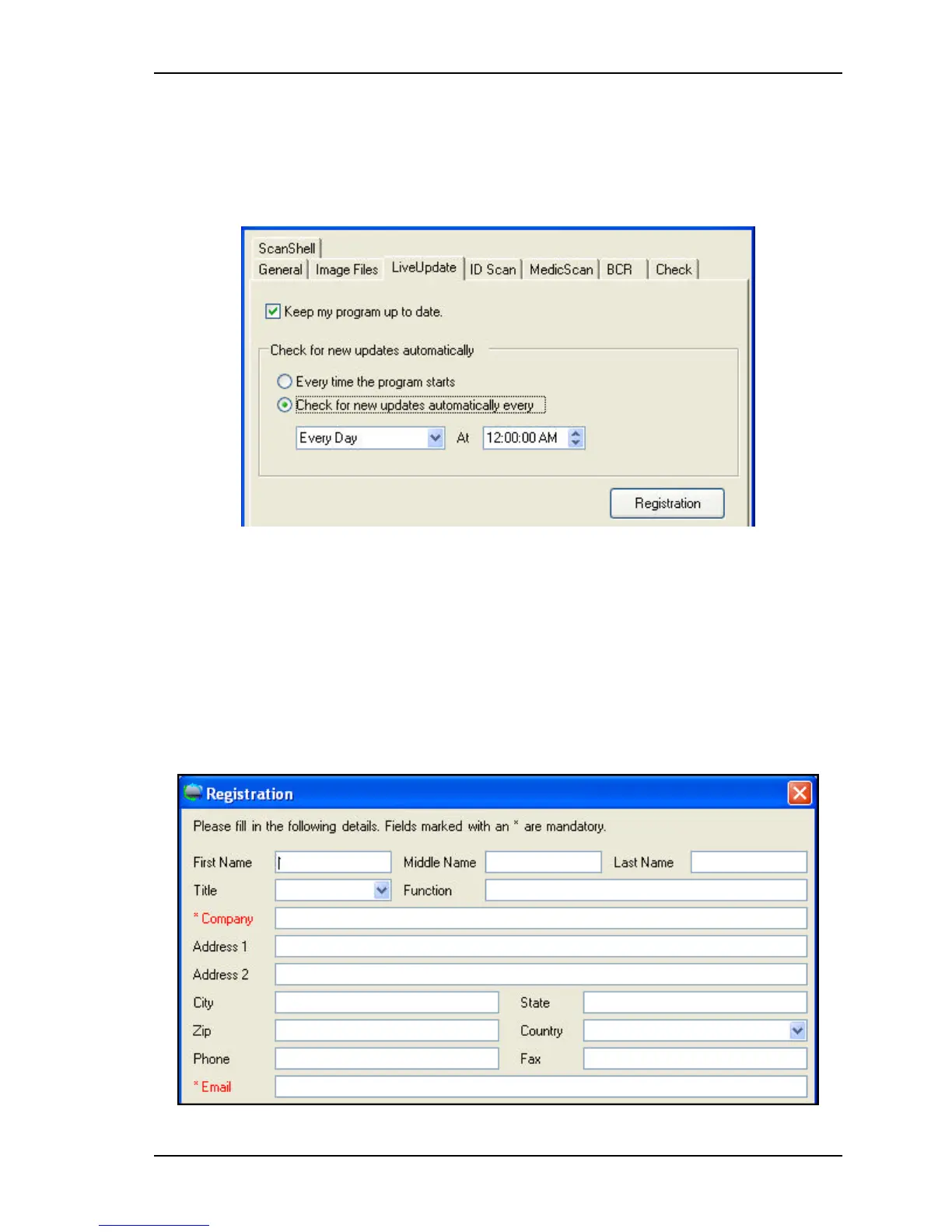
Application Settings Live Update
Scanshell.net User Guide © 2005 Card Scanning Solutions 67
LIVE UPDATE
Live Update keeps your software up to date, by checking for updates using your Internet
connection, and if available, downloading and installing them automatically.
Figure 9-3: Setup - LiveUpdate tab
§
Check the Keep my program up to date box to enable ‘Live Update’.
§
Specify how often Live Update shall be performed.
§
Click the Registration button.
REGISTRATION
To use Live Update you need to be a registered user. Please fill in your details and click
OK. Fields marked with "*" must be filled in.



 To Next Page