Rules Creating rules
Scanshell.net User Guide © 2005 Card Scanning Solutions 96
CREATING RULES
We will explain the use of rules by following an example of creating a rule that identifies
expired ID cards, and produces an alert sound and message, informing the user that a
scanned card has expired.
1. Select Rule List from the Tools menu.
2. Click New.
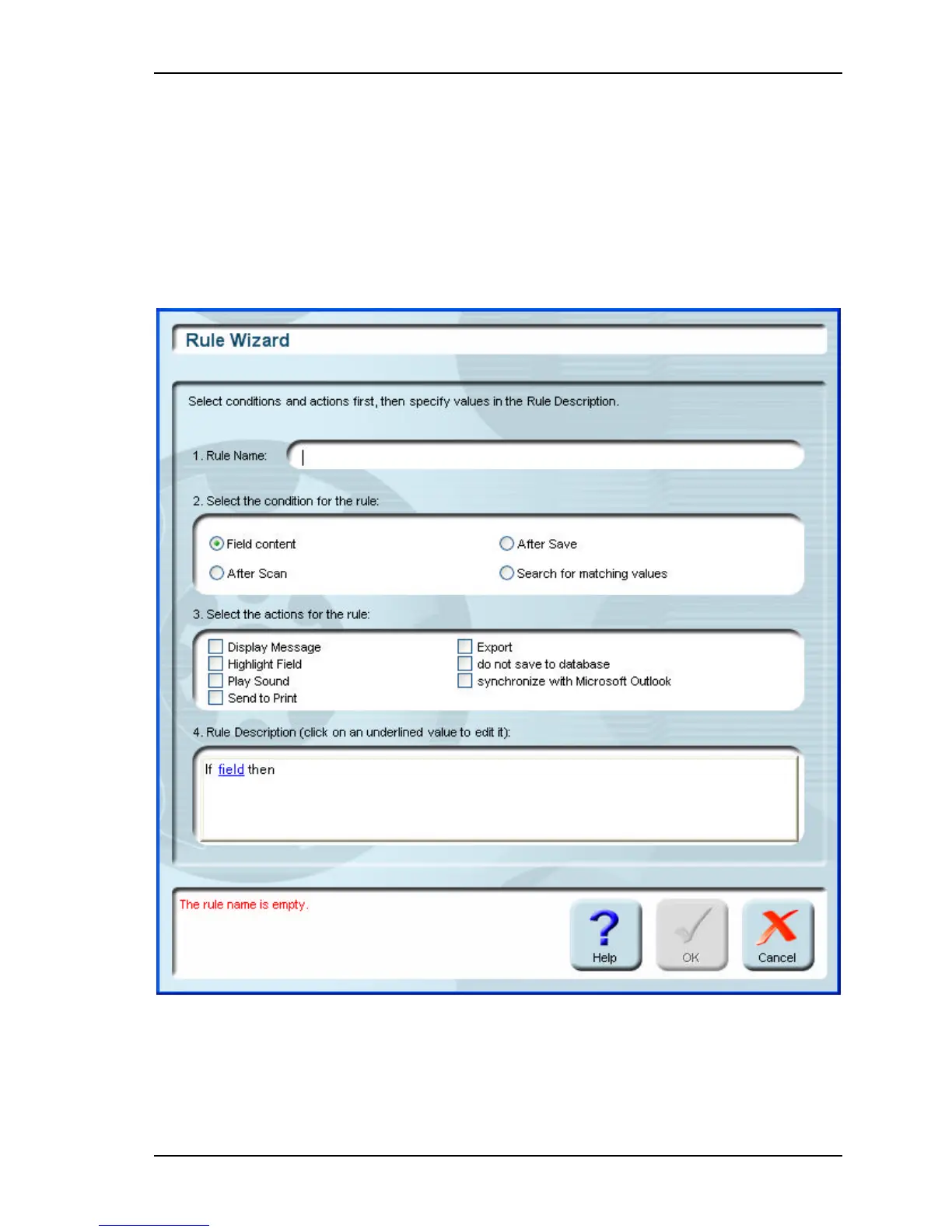
Figure 14-1: Rule Wizard window
3. Type in a name for your rule. Try to choose a meaningful name.
4. Select Field content in section 2.



 To Next Page