© CUB CAMPERS • H16 OWNER’S MANUAL • REVISION 1 – 31/10/2023 PAGE 14 of 53
7. REAR VISION CAMERA (IF OPTIONED)
Click for FURRION Rear Vision Camera User Manual
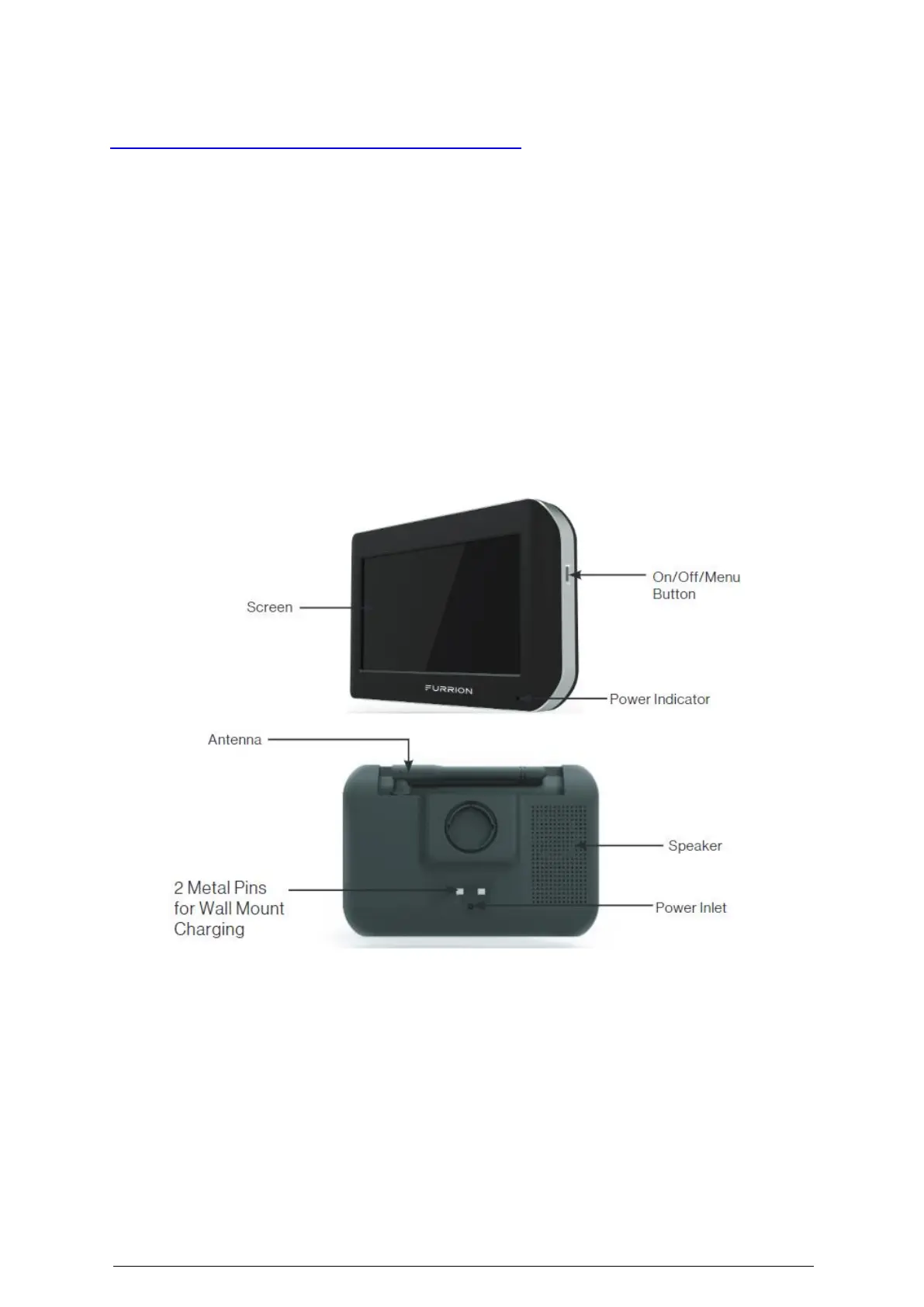
If optioned the H16 will be fitted with a Furrion Vision S Rear-Vision Camera & 5" Display Kit.
Power to pin 2 on the 12 pin plug is required for the camera to work. For safety information
and manufacturer user instructions please refer to Rear Vision Camera User Manual.
• Observation systems are wireless with high-resolution touch screen monitors that can
show up to four different camera images
• IP65 waterproof cameras
• Rear assist reversing lines
• 2.4GHz wireless communication digitally locks to the camera system for minimal
interference
• Cameras offers 120-degree viewing angle, with infrared night vision
• The monitor can be mounted with the included windshield or universal surface mount
• 5" touch screen anti-glare monitors
NOTE: This monitor is to be used as an aid to ensure there are no children or obstructions, do
not back up your vehicle while watching the monitor screen only. Please be aware of blind
spots when using this camera. The image is not designed to show distance and actual distance
is less than what appears in the monitor.
Clean the LCD screen with a microfibre cloth. Do not use coarse or abrasive materials. Only
use a dry cloth to clean the monitor, keep away from excessive moisture, extreme heat or
cold. Use a wet cloth to clean the camera lens. A dry cloth may scratch the camera lens.


 To Next Page