- Step 2: Connect the INLINE™ 7 to a Vehicle
Cummins INLINE™ 7 Data Link Adapter Installation and Setup Manual 33
To connect via an external Bluetooth adapter:
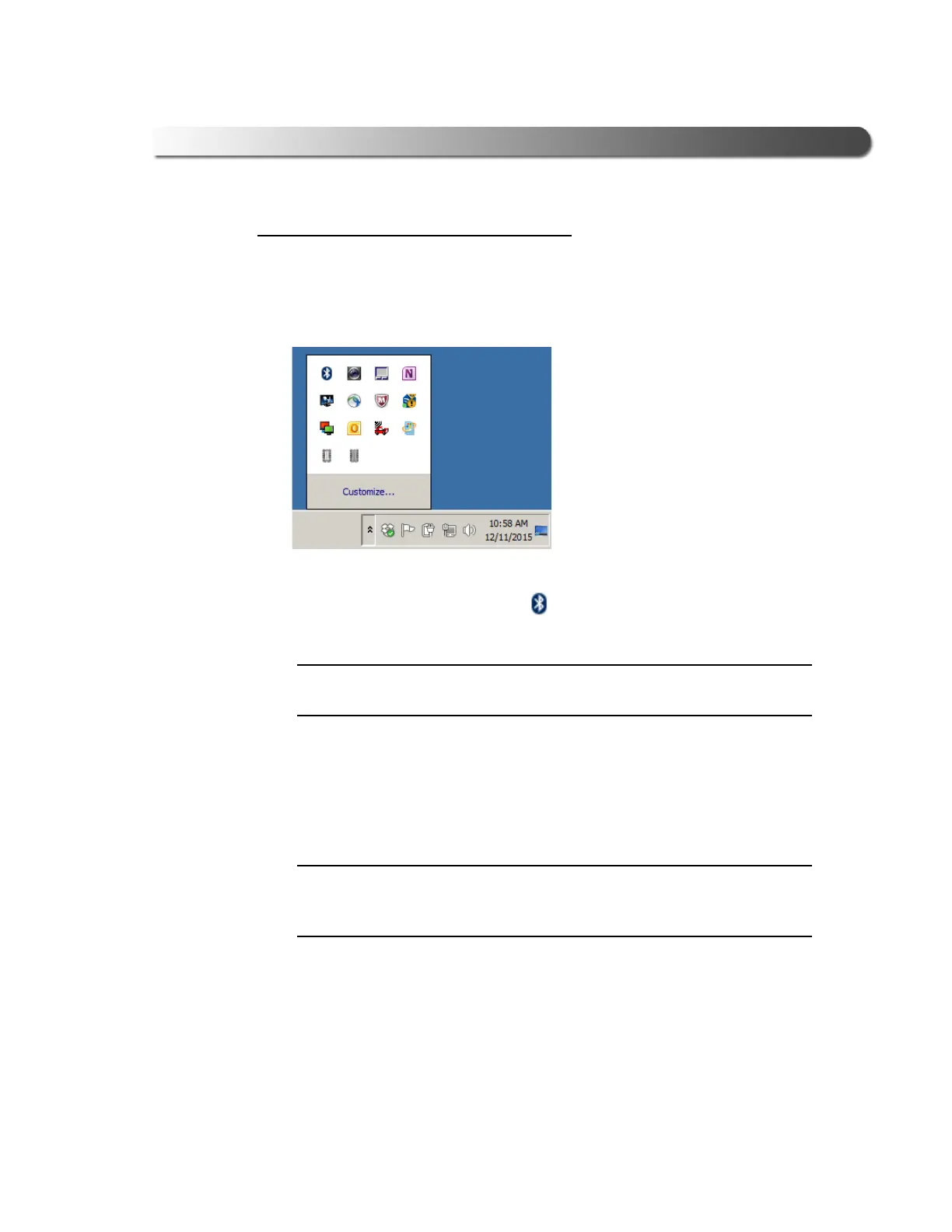
1 Click on the Show Hidden Icons arrow in your PC’s System Tray.
Figure 3.10 Hidden Icons
The hidden icons are displayed.
2 Right-click on the Bluetooth
®
icon .
i If your PC has Integrated Bluetooth, skip Steps 3 and 4 and move on to
Step 5.
3 Click on Turn Adapter Off (option may not be available in all configurations).
4 Plug the Class 1 Bluet
ooth
®
adapter you have selected into an available
USB port on your PC, and wait while Windows
®
installs the required drivers.
i Depending on the Bluetooth
®
adapter you are using for your wireless con-
nection, you may need to install the necessary Bluetooth
®
drivers. For
some adapters the drivers will install automatically.
The following message is displayed:
Installing device driver software.
When the installation is complete,
the following
message is displayed:
Your device is ready to use.



 To Next Page