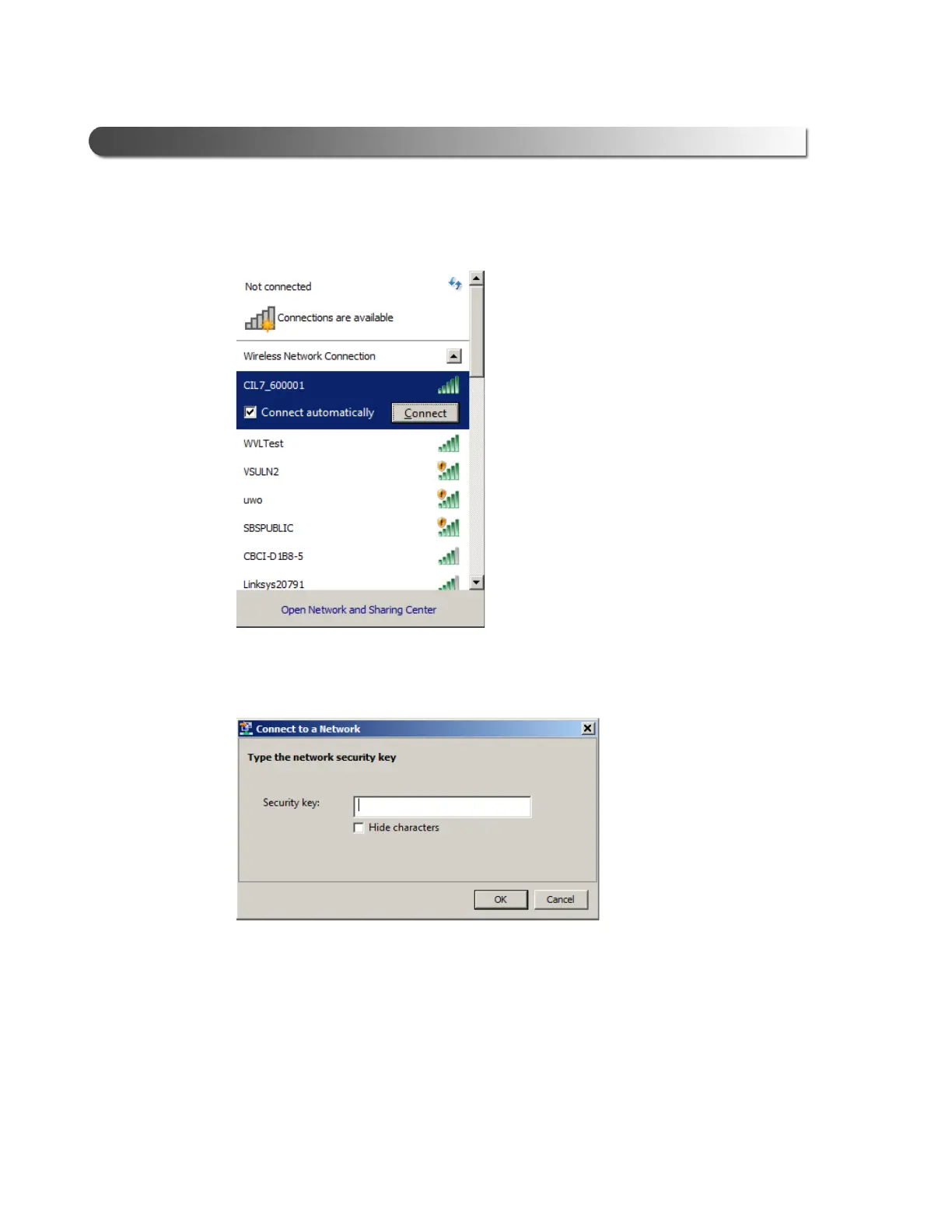
Figure 3.18 Selection Highlighted
42 Cummins INLINE™ 7 Data Link Adapter Installation and Setup Manual
Chapter 3 • Installing the Drivers and Setting Up the Device
CIL7_xxxxxx is highlighted.
7 Click Conne
ct.
Figure 3.19
8 Enter the Security Key located on the label on the back of the device.
9 Click OK.
Th
e device is now connected and ready to use.
10 Move on to Step 3: Test the Connection, on p
age 44 of this manual.



 To Next Page