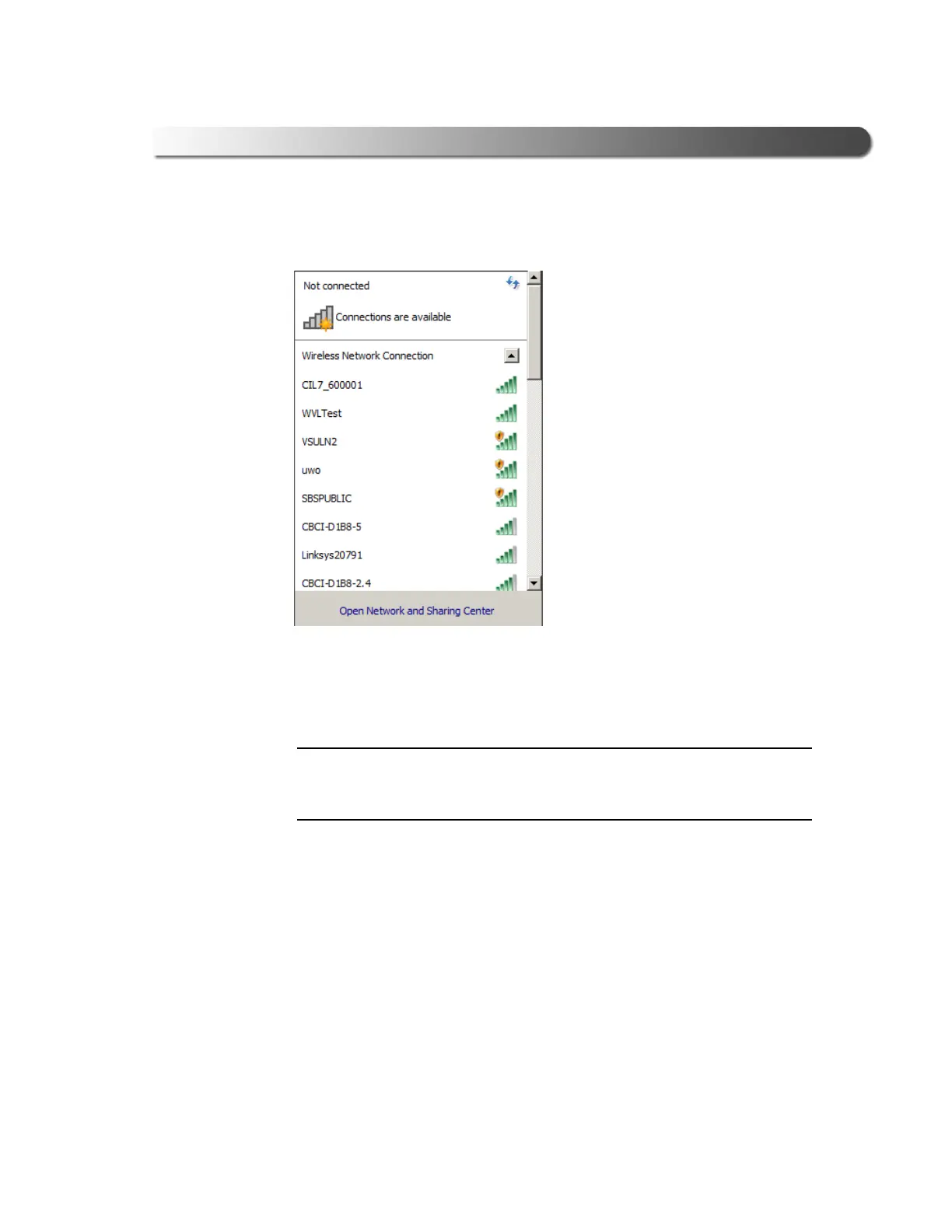
Figure 3.17 Network Selection Screen
- Step 2: Connect the INLINE™ 7 to a Vehicle
Cummins INLINE™ 7 Data Link Adapter Installation and Setup Manual 41
The Network Selection screen is displayed.
6 Select CIL7
_xxxxxx from the list (where xxxxxx is the serial number of the
INLINE™ 7).
i If CIL7_xxxxxx is not displayed, make sure you are connected to the vehi-
cle. Also, make sure you are within range
(i.e., within 100 ft.). You may
need to move your PC closer to the vehicle.



 To Next Page