30 AXN Quick Start Kit User Guide (BK/0045 | 9 Aug. 2021)
3
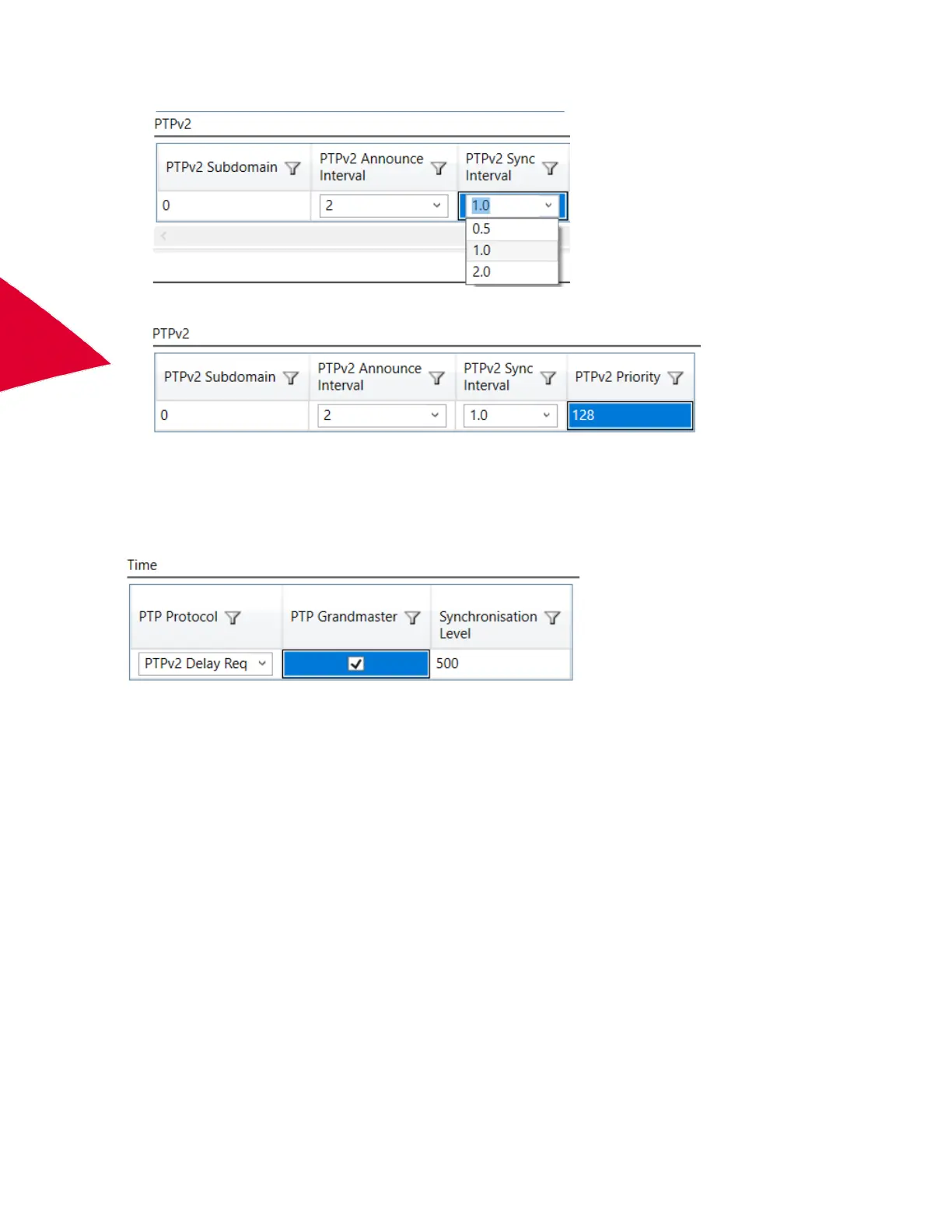
4. Set the PTPv2 Sync Interval to match the Sync interval of your PTPv2 Grandmaster.
5. Set the PTPv2 Priority to match the Priority setting of your PTPv2 Grandmaster.
Setting the AXN/BCU/40x to act as a PTPv2 Grandmaster in end-to-end or peer-to-peer modes
To set up the AXN/BCU/40x as a PTPv2 Grandmaster in either end-to-end or peer-to-peer modes, set the PTP
protocol to the desired PTPv2 version and enable the PTP Grandmaster. Setup the PTPv2 settings as required
above.
For sampling and packaging data, see “Creating packets and sampling data” on page 58.



 To Next Page