CHAPTER 3: CONFIGURING THE AXN SYSTEM 37
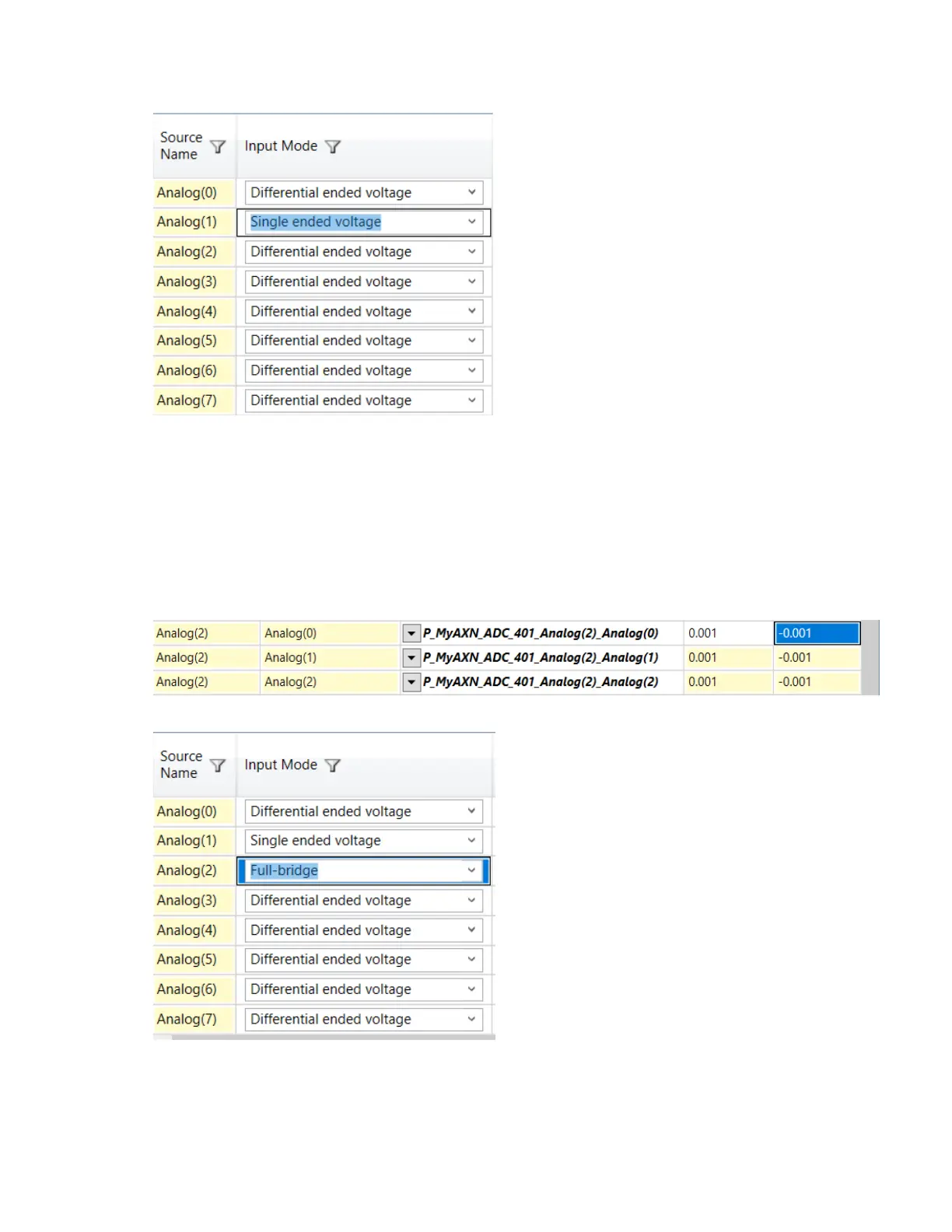
2. Set channel Input Mode to Single ended voltage.
3. Configure Filter Mode and Filter Cutoff for each filter tap point. (See “Defining Filter Mode and Filter Cutoff for
Input Modes” on page 32.)
4. Set Excitation to Voltage or Current and set Excitation Amplitude as required. (See “Setting Excitation
Mode” on page 33.)
Configuring the AXN/ADC/401 for full-bridge inputs
1. Set the channel range to cover the range of the measurement you want.
N
OTE: This applies to all filter tap points for that channel.
2. Set the channel Input Mode to Full-bridge.



 To Next Page