CHAPTER 3: CONFIGURING THE AXN SYSTEM 39
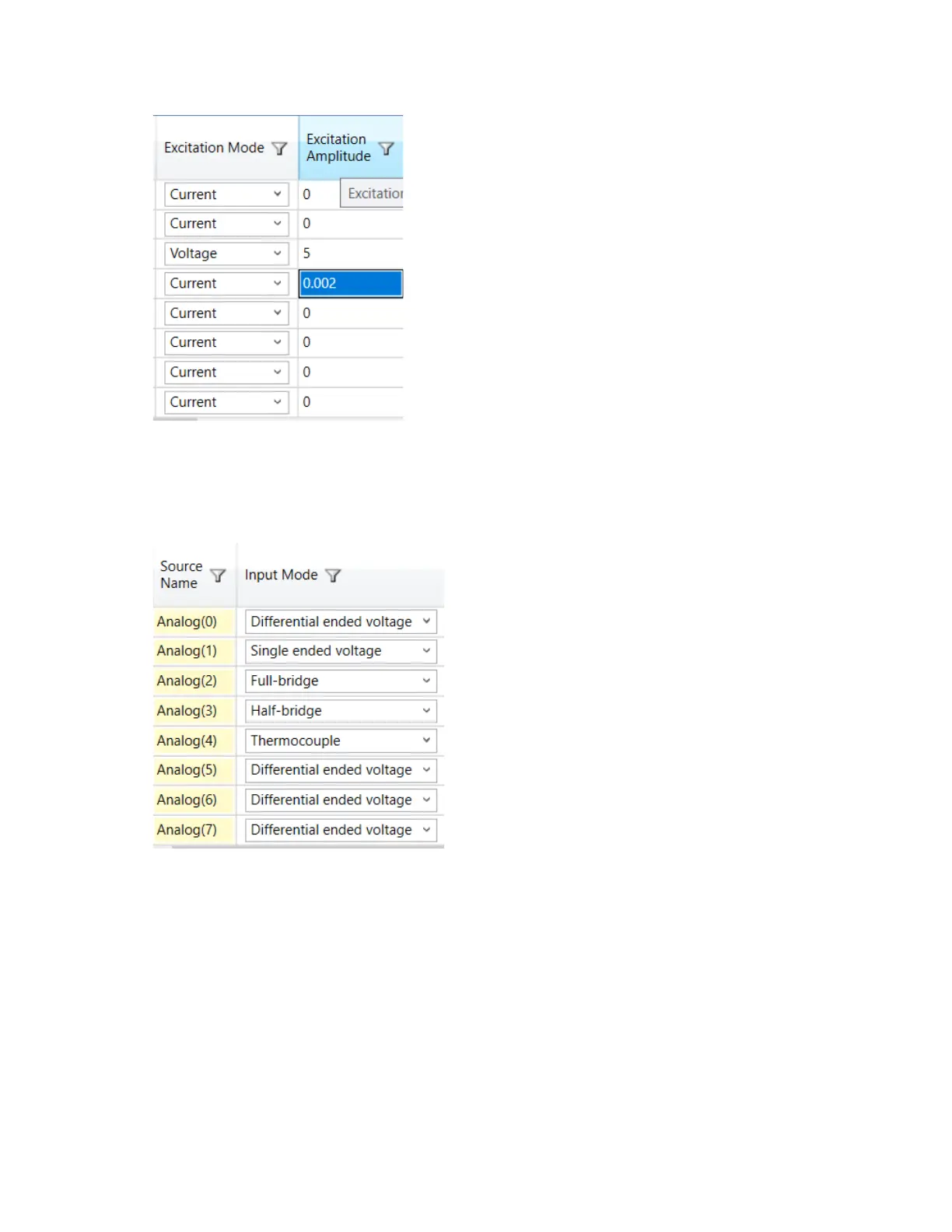
3. Set Excitation Mode to either Voltage or Current and set the required Excitation Amplitude.
4. Configure Filter Mode and Filter Cutoff for each filter tap point. (See “Defining Filter Mode and Filter Cutoff for
Input Modes” on page 32.)
Configuring the AXN/ADC/401 for thermocouple inputs
1. Set the channel Input Mode to Thermocouple.
2. Configure Filter Mode and Filter Cutoff for each filter tap point. (See “Defining Filter Mode and Filter Cutoff for
Input Modes” on page 32.)



 To Next Page