CHAPTER 3: CONFIGURING THE AXN SYSTEM 45
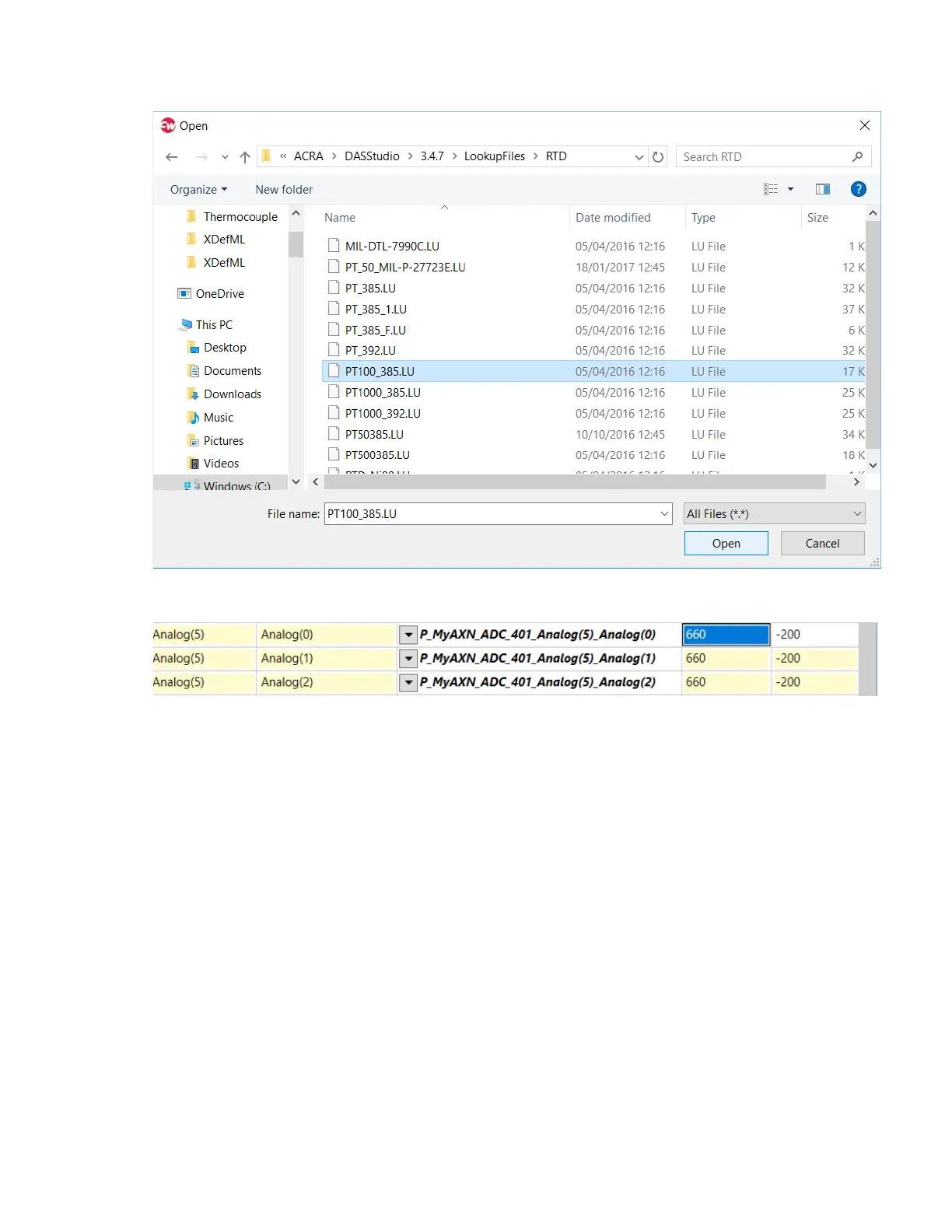
5. Browse to the location of the thermocouple lookup files, select a file and then click Open.
6. Set the Range Maximum and Range Minimum to the required range for that RTD type; for PT_100_385 in
this example this would be 660 ºC to -200 ºC.
To use a non-standard custom linearization file, select the custom file and its compensation channel using the User
Compensation URL and User Compensation Channel settings similar to the above.



 To Next Page