46 AXN Quick Start Kit User Guide (BK/0045 | 9 Aug. 2021)
3
Configuring the AXN/ADC/401 for AC coupled inputs
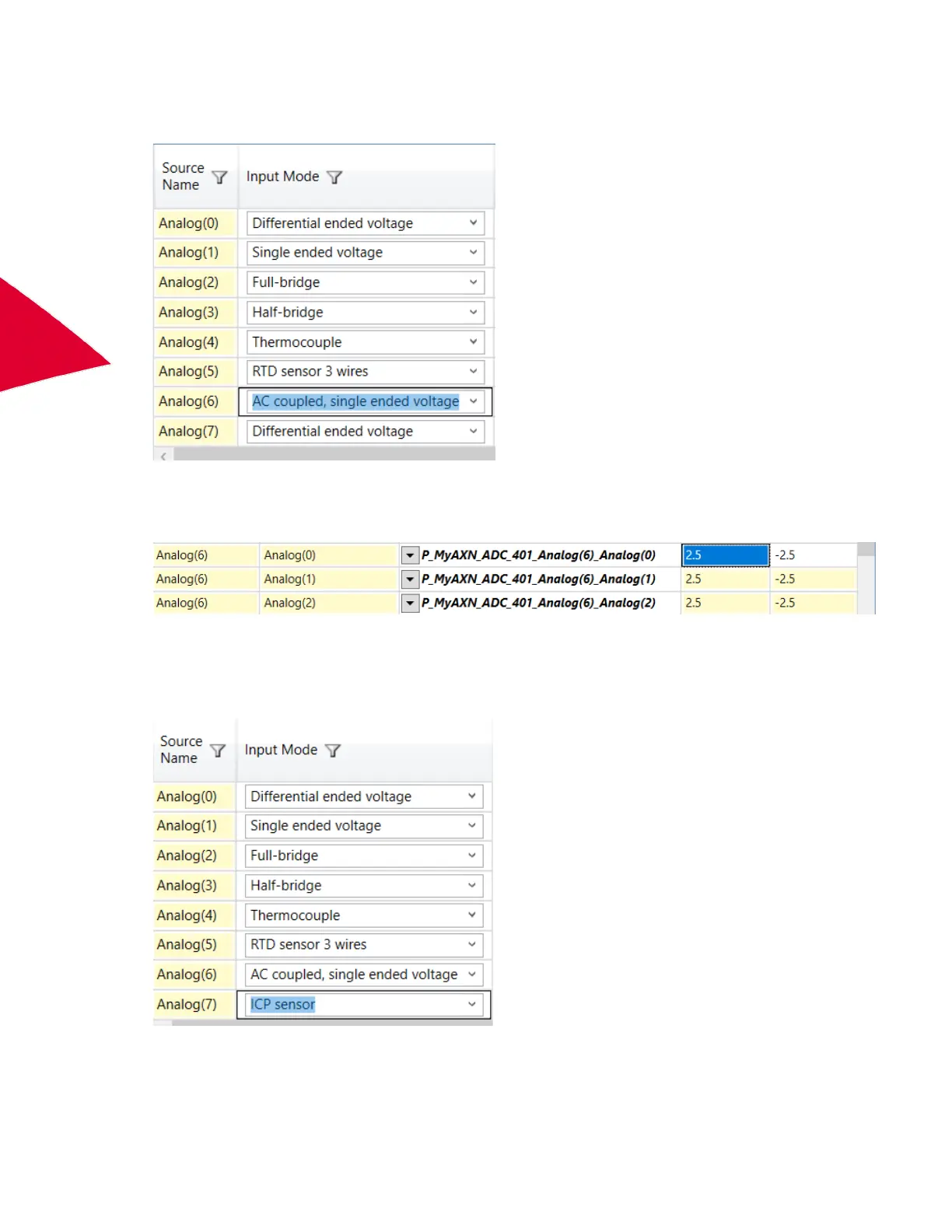
1. Set the channel Input Mode to AC coupled, single ended voltage.
2. Configure Filter Mode and Filter Cutoff for each filter tap point. (See “Defining Filter Mode and Filter Cutoff for
Input Modes” on page 32.)
3. Set the channel range to the required range for the AC coupled input.
4. Set Excitation Amplitude to 0.
Configuring the AXN/ADC/401 for ICP inputs
1. Set the channel Input Mode to ICP sensor.
2. Configure Filter Mode and Filter Cutoff for each filter tap point. (See “Defining Filter Mode and Filter Cutoff for
Input Modes” on page 32.)



 To Next Page