CHAPTER 3: CONFIGURING THE AXN SYSTEM 61
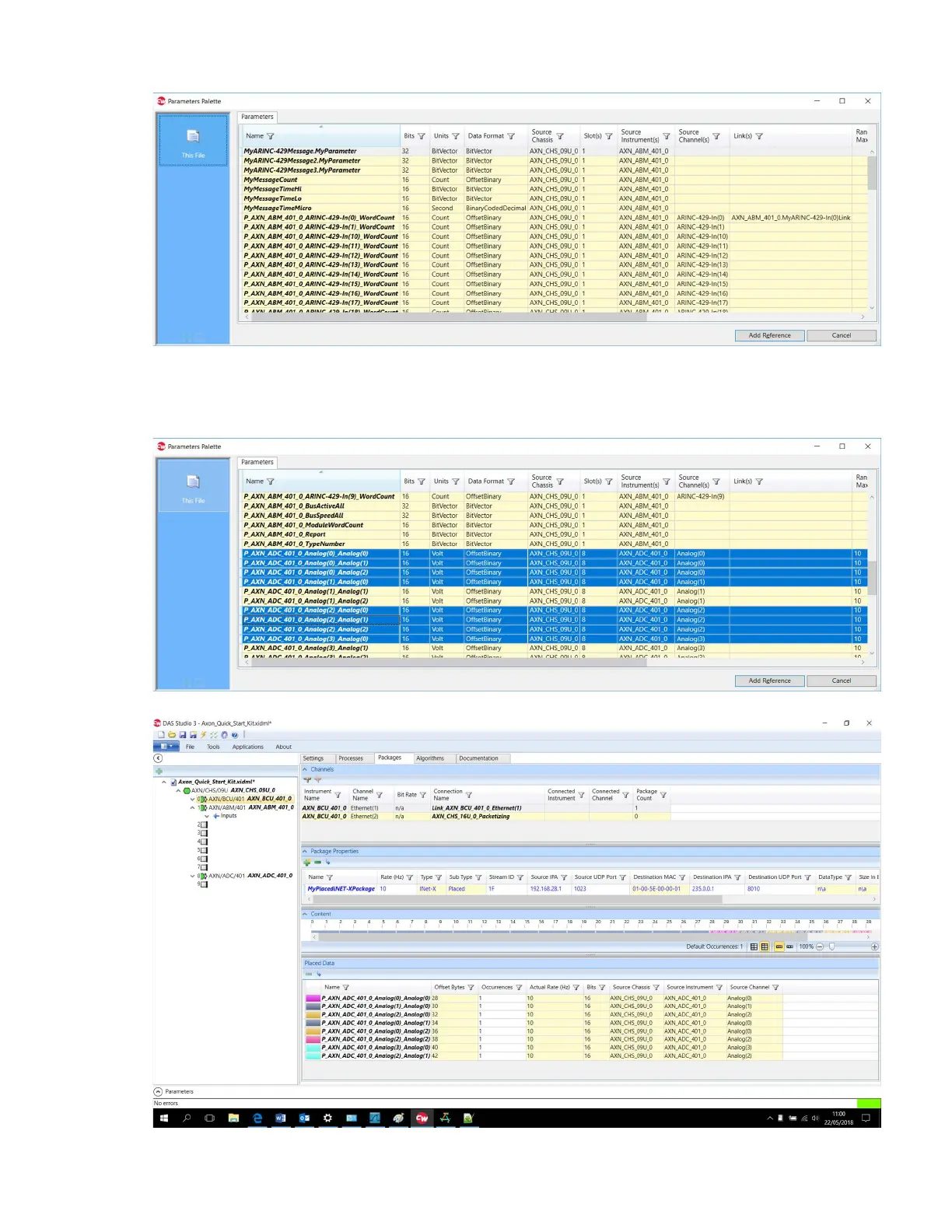
The palette lists all parameters available to the AXN/BCU/40x from all modules in the chassis.
By clicking the filter icon on any column, you can filter to see parameters available from a specific module,
channel or message.
8. Select the parameters you want and click Add Reference.
The parameters are added to the package and can be viewed in the Content and Placed Data panes.



 To Next Page