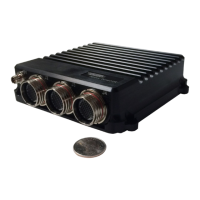
M.2 Socket
The default route for the SATA lane is to the M.2 socket. This allows the user to install a SATA based
M.2 storage device or potentially, with the use of an adapter, an mSATA device. Any devices installed in
the M.2 socket must be installed at the factory. Contact your sales representative for drive options.
Removable SATA
The SATA signal is also routed to a standard 7-pin SATA header for users who desire removable storage
using a 2.5” drive. With the addition of a removable media baseplate, the user can increase the storage
capacities to those of a 2.5” drive. Capacities are limited to those available in the industrial market.
Standard off-the-shelf 2.5” drives are compatible with the DuraCOR 312 system.
Installing the Removable Device
Below are the basic steps to install a 2.5” SATA drive in the system.
Ensure the SATA drive is securely attach to the SSD tray using 4x M3 flat head screws and a
thread locker (i.e. Loctite 222).
Remove the door and place the drive and tray assembly on the door.
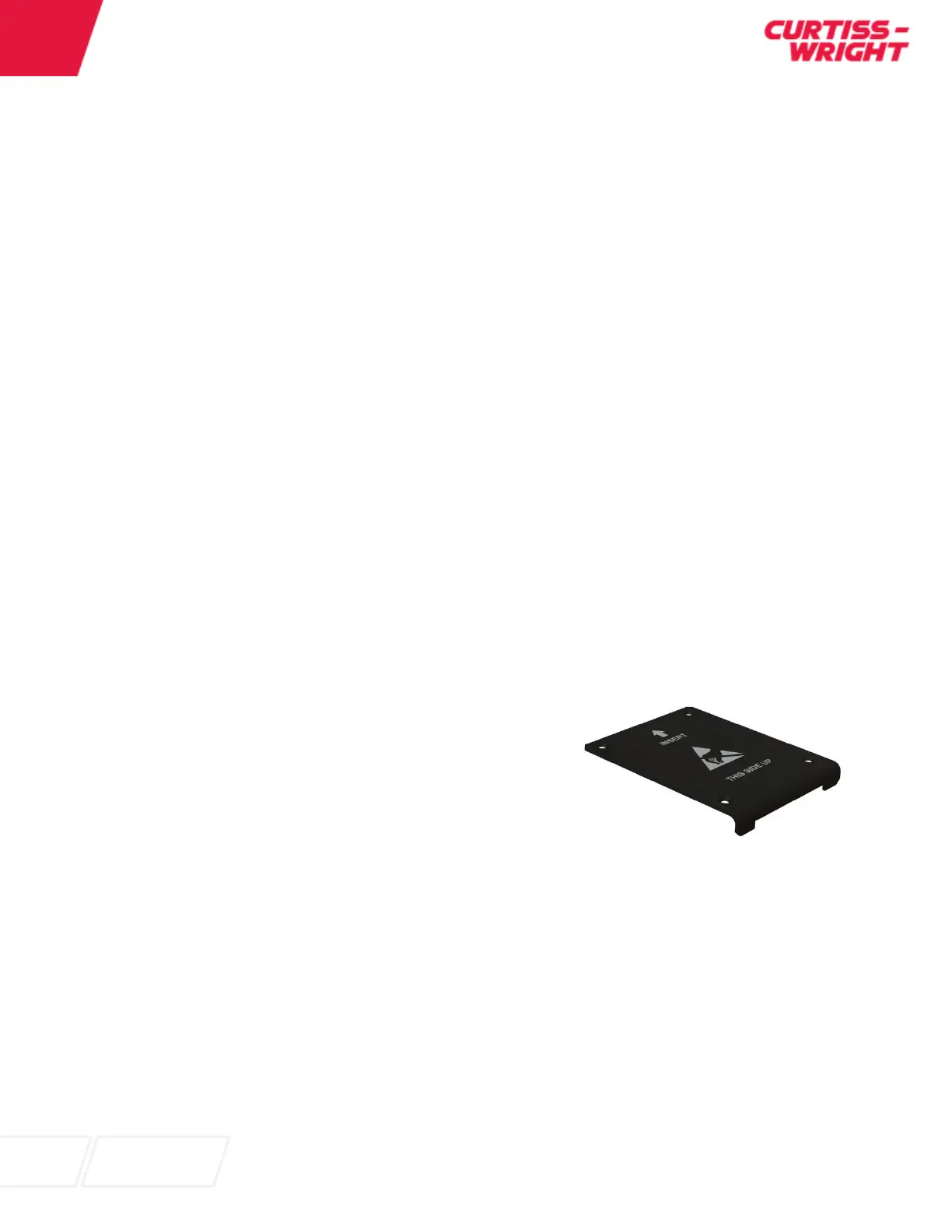
Slide the assembly into the system with the words and symbols toward the top of the unit. The
removable storage device can only be inserted in to the system in one direction.
Tighten the thumbscrews. Ensure both thumbscrews are tight; otherwise the system may not be
watertight. The use of a screwdriver may be required to ensure full engagement.
Removing the Removable Device
Loosen the thumbscrews completely.
Pull on the door to disconnect and remove the drive.
Remove the drive tray from the door. Replace the door on the system to maintain environmental
seal.
If desired, the drive can be removed from the tray. Take care not to lose the screws.
Accessories
Drive tray
4x M3x0.5x4mm flat head screw
Figure 10: SSD Removable Tray
Flash Storage
The NVIDIA Jetson TX2i module contains 32GB of onboard flash. The default installation for the OS is
on the onboard flash. It can be used to store data. However, this is not a configurable option, only 32GB
is available. If additional storage is needed/desired to host application files and data, the addition of an
M.2 (NVMe or SATA) or 2.5” SSD is required. Note that NVMe may need to be formatted and mounted to
appear. (Tip: lsblk command)


 To Next Page