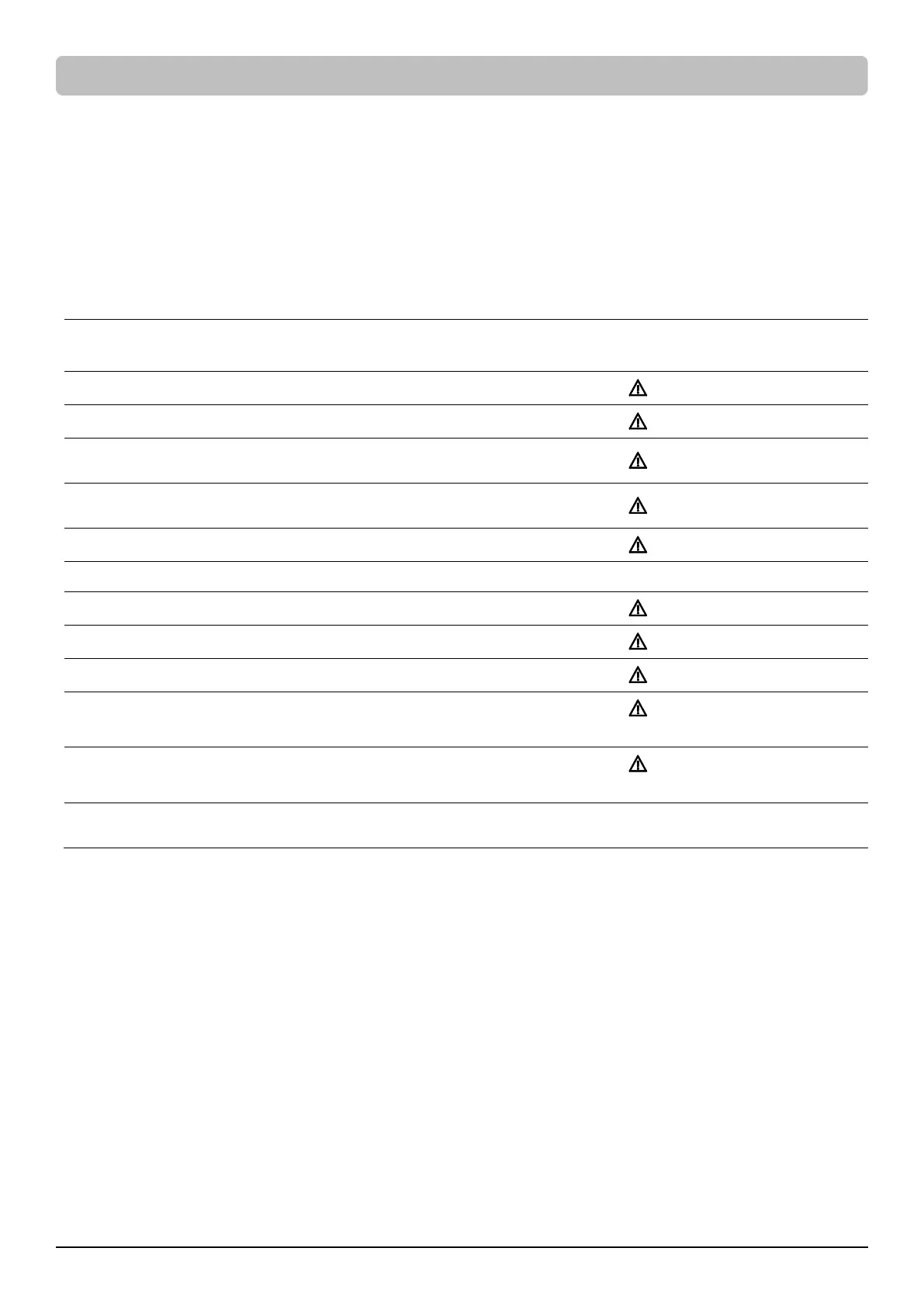
Fault Warning Display and Alarm
The following table shows the fault and warning indications of the UPS. The warning message cycles when the UPS is still turned on. Refer to
the error code below and take necessary measures.
After the UPS shuts down or is turned off manually, the error message could disappear but the event records can be found in the Log Menu. To
safely check the logs, press the power switch once and then press the Esc button to enter another operation mode – Standby Mode. Press
Menu button and go to Log Menu to have a check.
Note: When the UPS is in Standby Mode, it does not have output. All indicators will not illuminate and only the LCD screen lights up when the
UPS is operated. To leave the Standby Mode, refer to BASIC OPERATION section to turn on the UPS. Or, you can disconnect the UPS from the AC
power source, wait for a minute, and then UPS will completely become off.
E01-Overcharge: Contact CyberPower for repair.
E03-No Charge: Contact CyberPower for repair.
E20-Output Short: Connected equipment may have problems,
remove them and check.
E21-Output Short: Connected equipment may have problems,
remove them and check.
E22-Overload: Unplug at least one connected device.
E25-EPO: Check the EPO connector status.
E27-Fan Fail(FR): Contact CyberPower for repair.
E27-Fan Fail(FL): Contact CyberPower for repair.
E29-Fan Fail (B): Contact CyberPower for repair.
Battery Missing: Check battery wiring and condition.
Beeps once every 2 seconds
for a period of 30 seconds
Battery Defect: Check battery wiring and condition.
Beeps once every 2 seconds
for a period of 30 seconds
Service Battery: Batteries have reached recommended maintenance
period.
*Press any button to cancel the constant alarm.
LCD OPERATION GUIDE (continued)









 To Next Page