Joule 3.0 User Guide page 55
Manual Calibration for CycleOps PowerBeam Pro Trainer
If you use a power meter such as the PowerTap, you can perform a manual calibration to more
accurately calibrate your CycleOps PowerBeam Pro trainer. Note: the power meter must be paired
to Joule 3.0 prior to performing the manual calibration.
1. Before entering the calibration routine, warm up the PowerBeam Pro and tires by riding the system for fi ve
minutes.
2. Press and release [MODE] until Menu mode is displayed.
3. Press [JOYSTICK] in and release to select Sensors.
4. Press [JOYSTICK] up/down to highlight RU Sensor. Press [JOYSTICK] in and release to select RU Sensor.
5. Press [JOYSTICK] up/down to highlight the active RU Sensor. Note: the active RU Sensor is indicated by a
hash mark next to the name in the RU Sensor list. Press [JOYSTICK] in and release to select the active RU Sensor.
6. Press [JOYSTICK] up/down to highlight Calibration. Press [JOYSTICK] up/down to select Calibration.
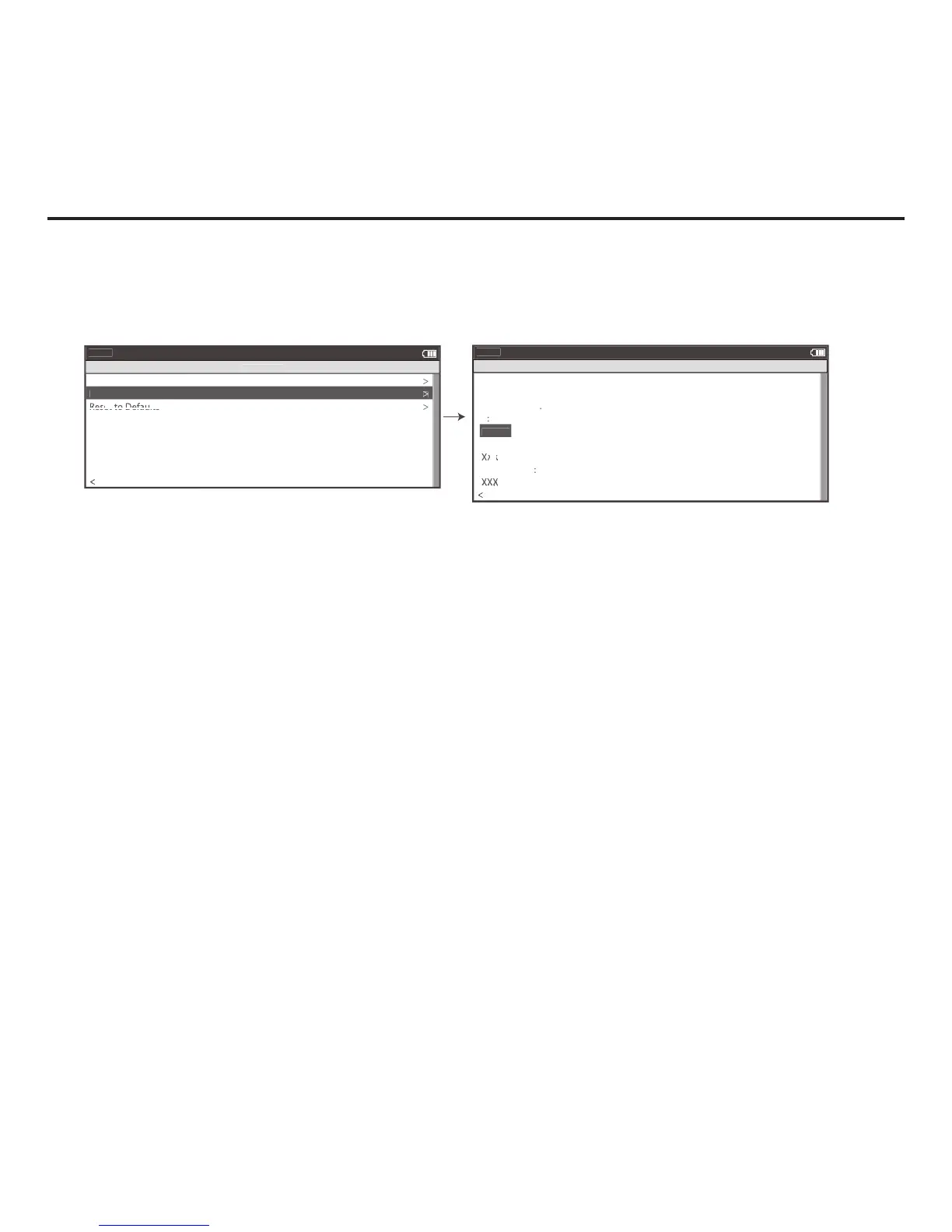
7. Press [JOYSTICK] up/down to highlight Manual Calibration. Press [JOYSTICK] in and release to select Manual
Calibration.
8. Joule 3.0 will show the measured power using the current rolling resistance calibration.
9. Pedal at a constant speed to stabilize the resistance. Target 20 mph and press [JOYSTICK] up/down to change
the calibration until the displayed power matches the measured power.
10. When the two values match, press [JOYSTICK ].
11.The unique rolling resistance calibration is now incorporated into the factory calibration. This calibration will
remain in the system until another calibration is performed. Note: The Roll Down Calibration and the Manual
Calibration adjust the same calibration values. Only the last calibration values are saved.
Chapter 6: Sensors



 To Next Page