Joule 3.0 User Guide page 68
Chapter 9: History
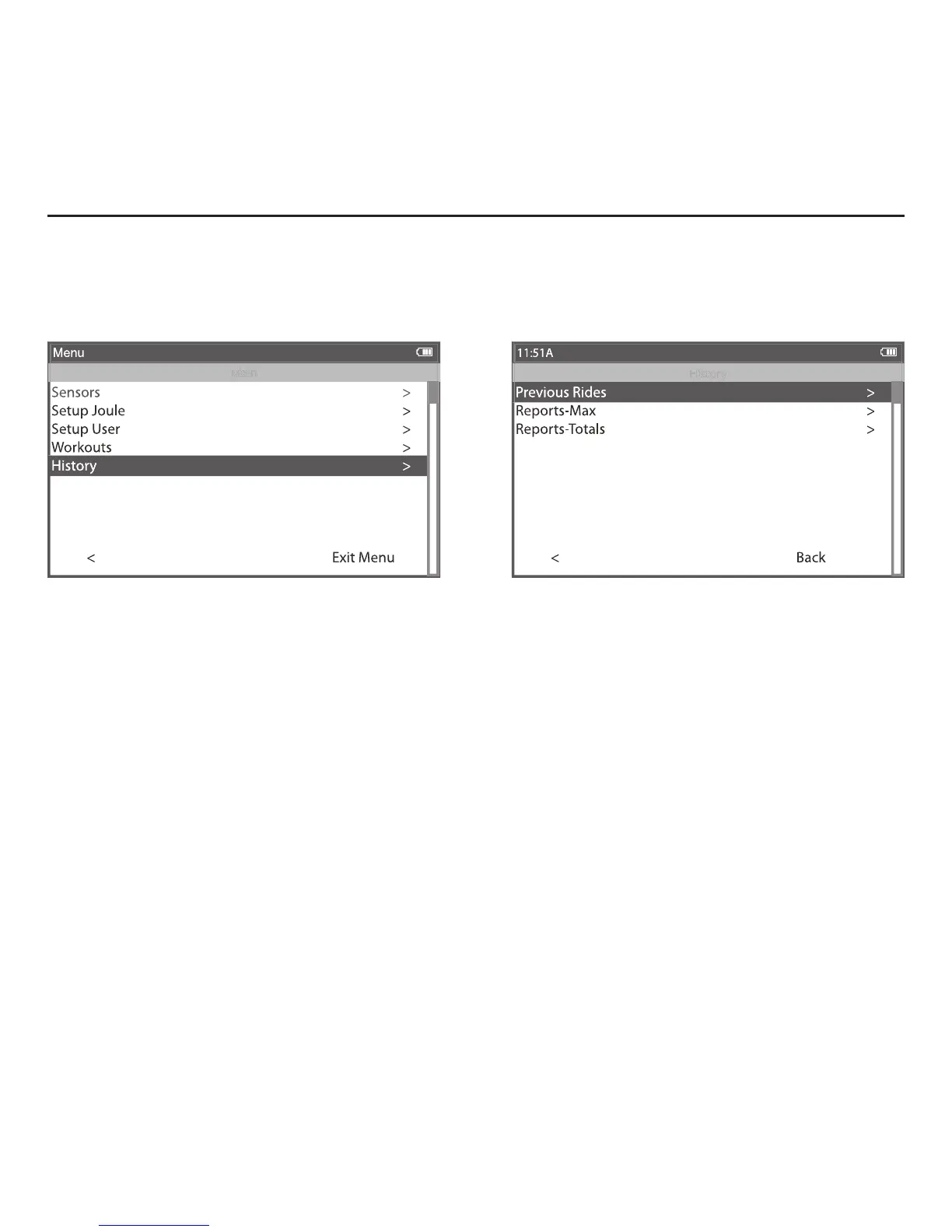
1. Press and release [MODE] until Menu mode is displayed.
2. Press [JOYSTICK] up/down to highlight History.
3. Press [JOYSTICK] in and release to select History.
4. Press [JOYSTICK] in and release to select Previous Rides.
5. Press [JOYSTICK] up/down to highlight desired ride. Note: each ride is named using the format YYYYMMDD
HHMMSS so a ride listed as 20091120 154335 was created November 20th, 2009 at 3:43:35 PM.
6. Press [JOYSTICK] in and release to select the desired ride. Note: Reports are now shown with 3 columns; the
fi rst column is the metric label, the second column is the data for a given metric on the selected ride and the
3rd column is the average of all rides completed over the selected date range.
7. Press [JOYSTICK] in and release to change the selected data range from 2 weeks, 4 weeks, 8 weeks, 6 months
and 12 months.
8. Press [JOYSTICK] left/right to change reports and exit History reports.
Note: Rides will be organized and sorted by date, with most current date at top.
Previous Rides
Previous rides history allows for comparisons of any selected ride to averages over 2 weeks,
4 weeks, 8 weeks, 6 moths or 12 months prior to the selected ride. Note: the averages do not
include the selected ride.



 To Next Page