Joule 3.0 User Guide page 59
Chapter 7: Setting Up CycleOps Joule 3.0 ™
Setting Up Date and Time
Joule 3.0 date and time can be set using PowerAgent software > configure device. Reference
PowerAgent user guide.
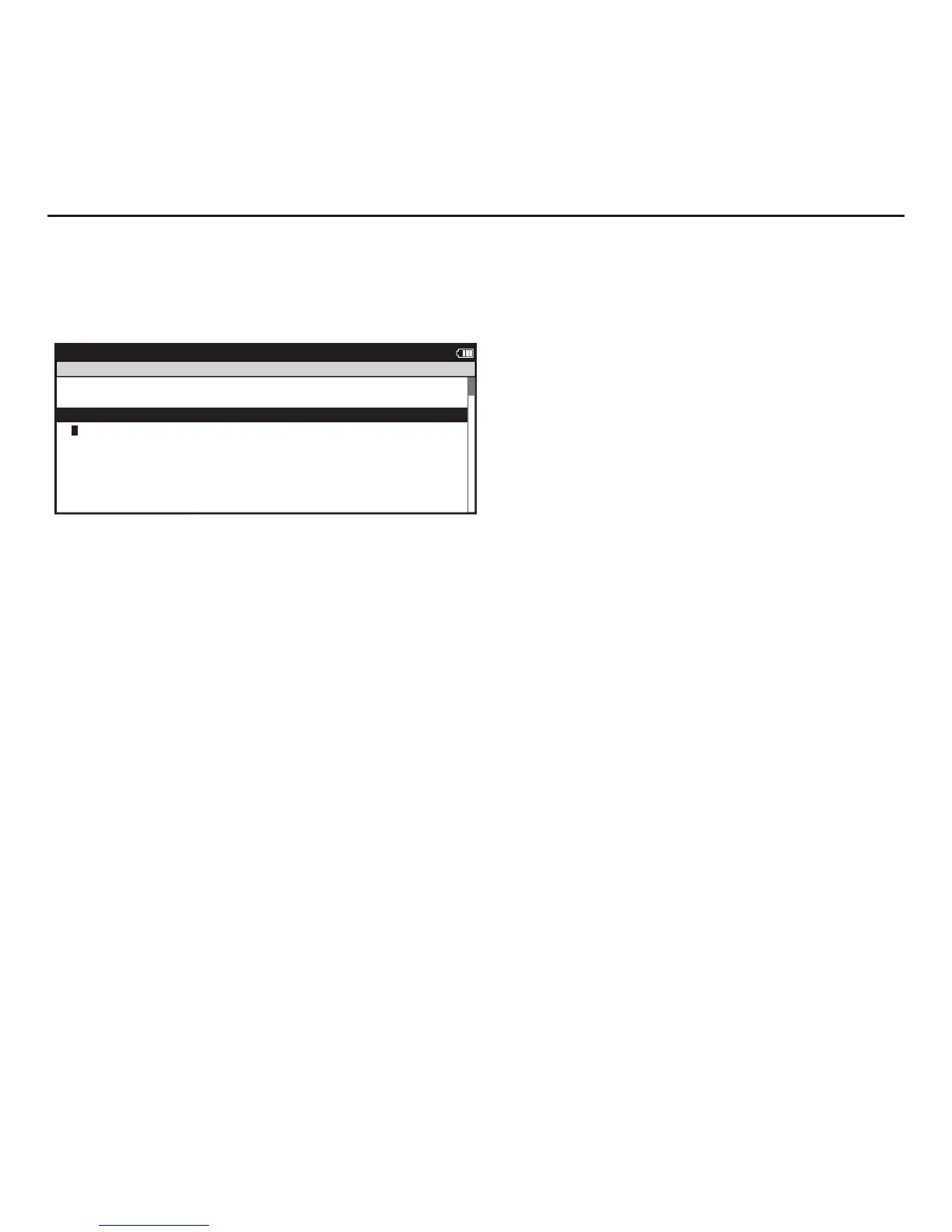
1. Press and release [MODE] until Menu mode is displayed.
2. Press [JOYSTICK] up/down to highlight Setup Joule. Press [JOYSTICK] in and release to select Setup Joule.
3. Press [JOYSTICK] in and release to select Date and Time.
4. Press [JOYSTICK] up/down to highlight Date or Time. Use [JOYSTICK] to change date and time values. Press
[JOYSTICK] in and release to save changes.
5. Press [JOYSTICK] up/down to highlight Clock Format. Press [JOYSTICK] in and release to select Clock Format.
Use [JOYSTICK] to change between 12 and 24 hour format. Press [JOYSTICK] in and release to save changes.



 To Next Page