Joule 3.0 User Guide page 58
Deleting Sensors
Sensors can be deleted at anytime. If the active sensor is deleted a new sensor must be activated
or added.
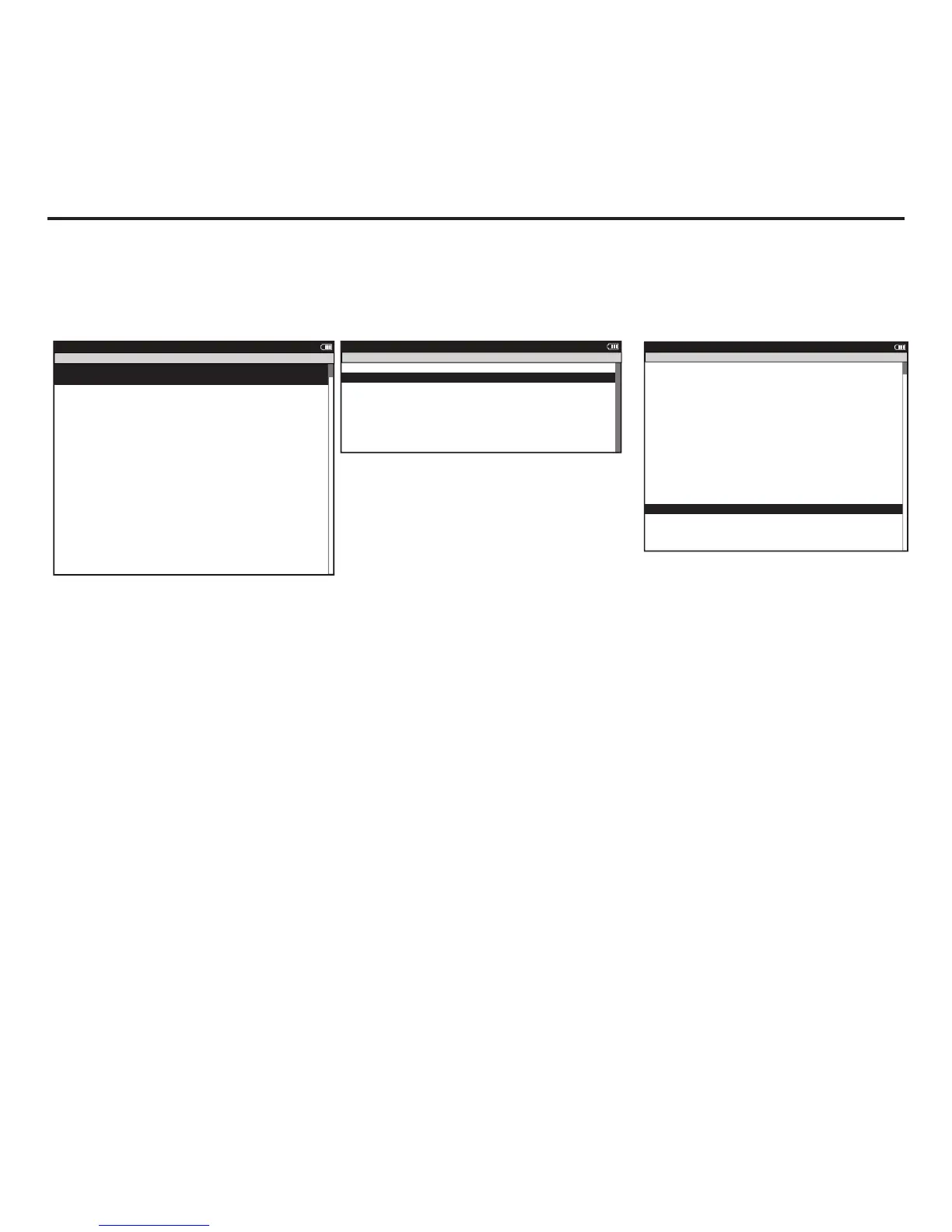
1. Press and release [MODE] until Menu mode is displayed.
2. Press [JOYSTICK] in and release to select desired action select Sensors.
3. Press [JOYSTICK] up/down to select the sensor type to be deleted.
4. Press [JOYSTICK] up/down to highlight the sensor to be deleted.
5. Press [JOYSTICK] in and release to select the sensor to be deleted.
6. Press [JOYSTICK] up/down to highlight Delete Sensor.



 To Next Page