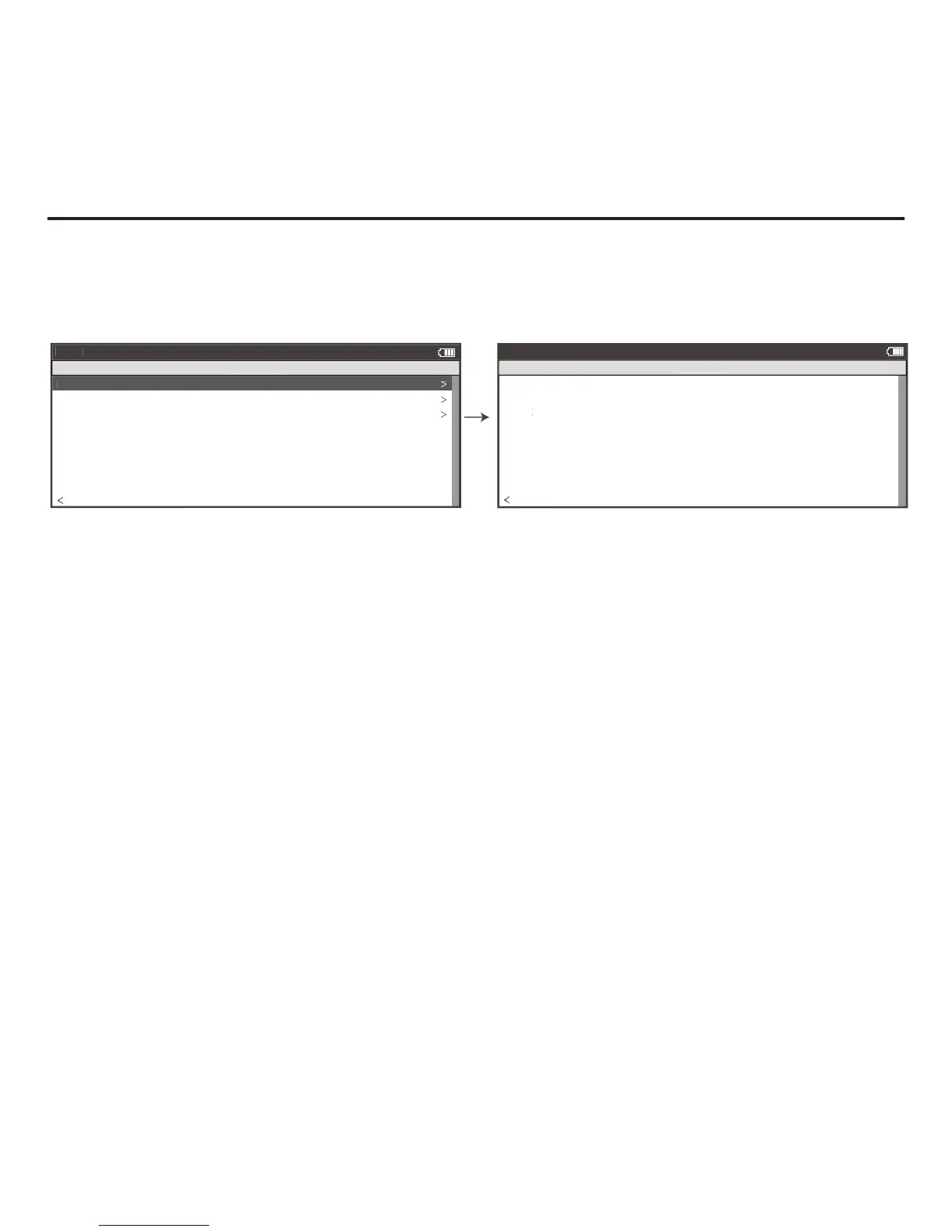
8. Once selected, the roll down calibration process will begin with instructions to pedal at 18 mph.
9. Once at 18 mph, hold this speed for two minutes. A count down timer displays your remaining time.
10. After two minutes, immediately stop pedaling and allow the bicycle wheel to coast to a complete stop.
11. Do not touch or disturb the resistance unit while coasting. Do not pedal or apply the brakes while coasting.
12. After the resistance unit comes to a complete stop, a “Calibration Passed” message will be shown. Note: if
you do not wait the full two minutes or another issue occurs during calibration, a “Calibration Failed” message
will be shown and calibration must be repeated. Note: If calibration continues to fail, contact Saris Cycling
Group at 1-800-783-7257.
13. The unique rolling resistance calibration is now incorporated into the factory calibration. This calibration will
remain in the system until another calibration is performed.
Chapter 6: Sensors



 To Next Page