Joule 3.0 User Guide page 65
Chapter 7: Setting Up CycleOps Joule 3.0 ™
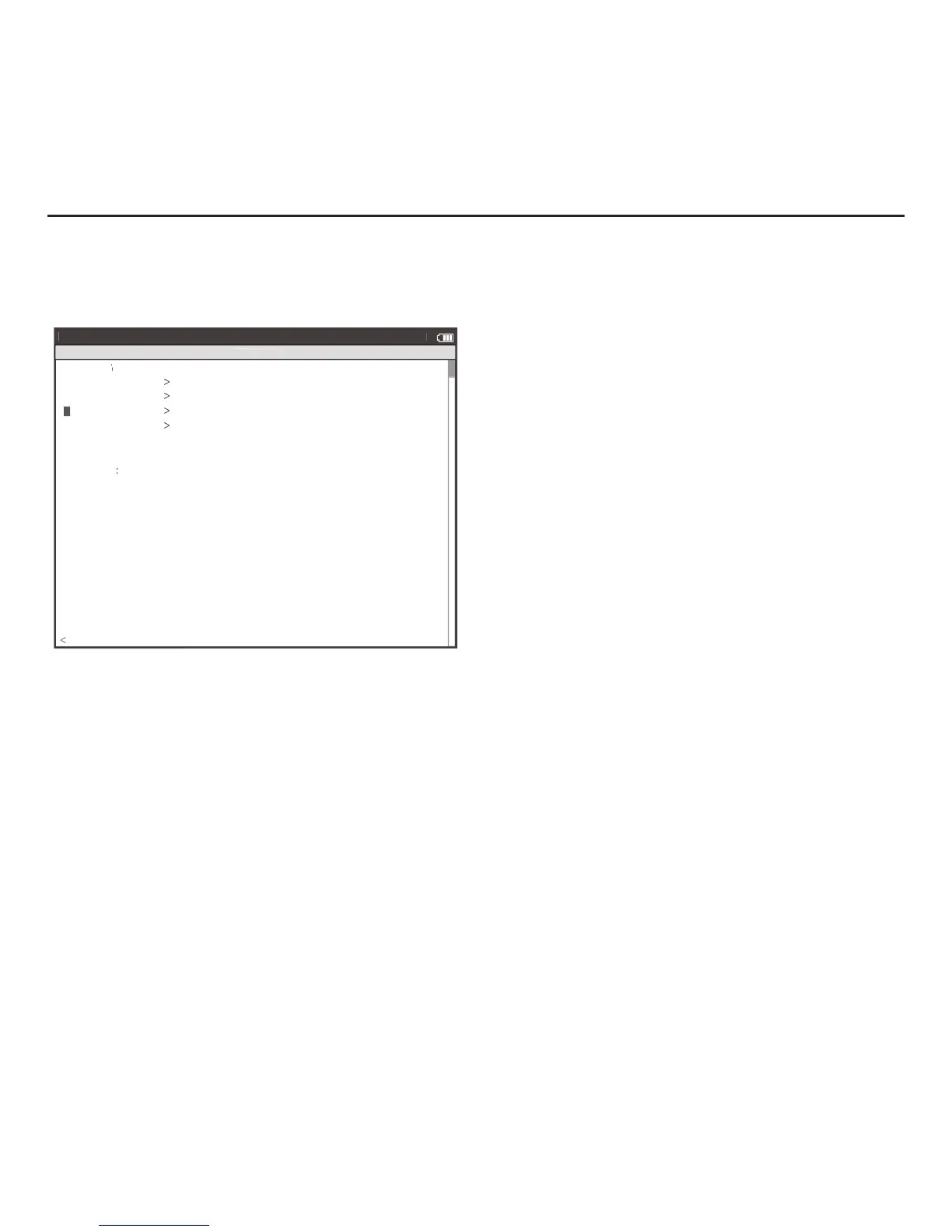
Setting Up Joule™ Data
Firmware version denotes the revision Joule 3.0 is operating on. Reference www.cycleops.com for
the latest version.
1. Press and release [MODE] until Menu mode is displayed.
2. Press [JOYSTICK} up/down to highlight Setup Joule. Press [JOYSTICK] in and release to select Setup Joule.
3. Press [JOYSTICK] up/down to highlight Joule Data. Press [JOYSTICK] in and release to select Joule Data.
4. Press [JOYSTICK] up/down to view Joule 3.0 fi rmware version. Check for the latest updates through Power-
Agent software.
5. Press [JOYSTICK] up/down to highlight Odometer. Press [JOYSTICK] in and release to select Odometer.
The odometer can be changed for a desired start point and can be reset at any time. Press {JOYSTICK] up/
down to change. Press [JOYSTICK] in and release to save changes.



 To Next Page