4 OPERATION
First Power Up
If connecting Touch 7 to an existing CZone network, ensure the display has been added to the CZone
configuration and assigned a dipswitch. Every CZone device on a network requires a unique
dipswitch to operate correctly, and the Touch 7 has a virtual dipswitch. Refer to the CZone
Configuration Tool manual for this process.
1. Turn on the circuit breaker or switch supplying power to the Touch 7.
2. The CZone splash screen will appear for about 1 minute then the display will attempt to claim
a configuration from the network.
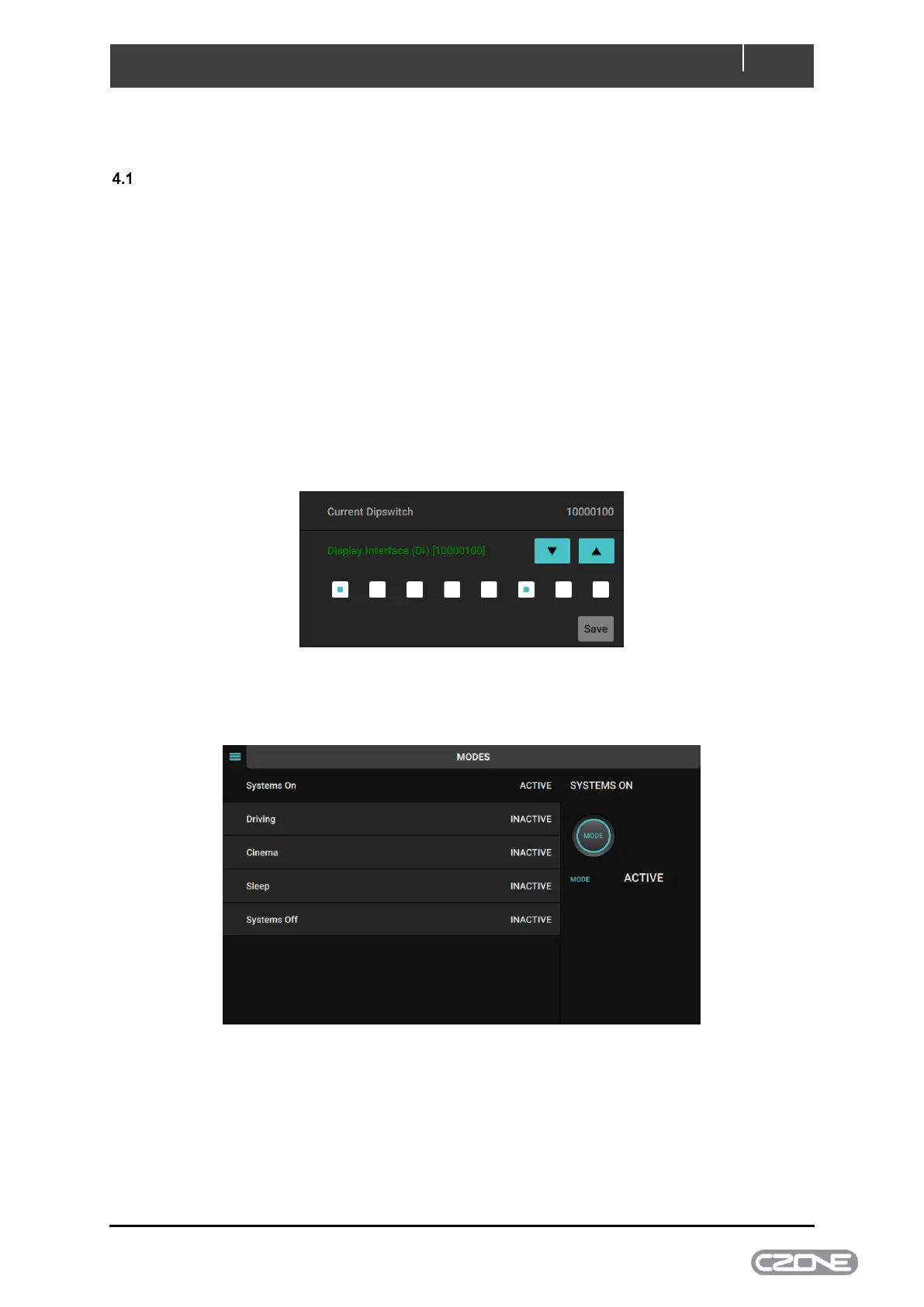
3. When configuration has been successfully claimed you will be prompted to enter the display
dipswitch. Select the dipswitch from the list of configured devices or set the dipswitch
manually by checking the correct boxes.
4. After dipswitch has been entered successfully the Control or Modes page (if configured) will
appear.
5. The Touch 7 is now ready for use.
Note: Refer to CZone 2.0 User Interface Manual for detailed operation instructions.



 To Next Page