2 OVERVIEW
Description
Introducing the newest member of the CZone display family the Touch 7. With an excellent 7” IPS
LCD panel it can be viewed from any angle. The Touch 7 features all new electronics with the fastest
processer ever in a CZone Touch display and built in connectivity for tablet pairing. Installation is
easy with front mount installation, shallow mounting depths and a wide voltage range. The Touch 7
also uses the highly customizable and easy to use CZone 2.0 User Interface.
Features
• New 7" display with modern, low profile glass design
• Optically bonded IPS LCD provides excellent viewing angles
• 24 bit colour for better colour accuracy and contrast
• High resolution 1024 x 600 pixel for sharp and clear images
• 500 nit brightness dimmable for night time viewing
• New dual core processor provides lightning fast performance
• Easy front mount installation and screwless rear access
• Shallow 35mm mounting depth including cables
• Built in Wi-Fi and ethernet for tablet connectivity
• Wide 8-32V DC voltage range
• Consistent and familiar CZone 2.0 User Interface, customizable for any OEM
Overview
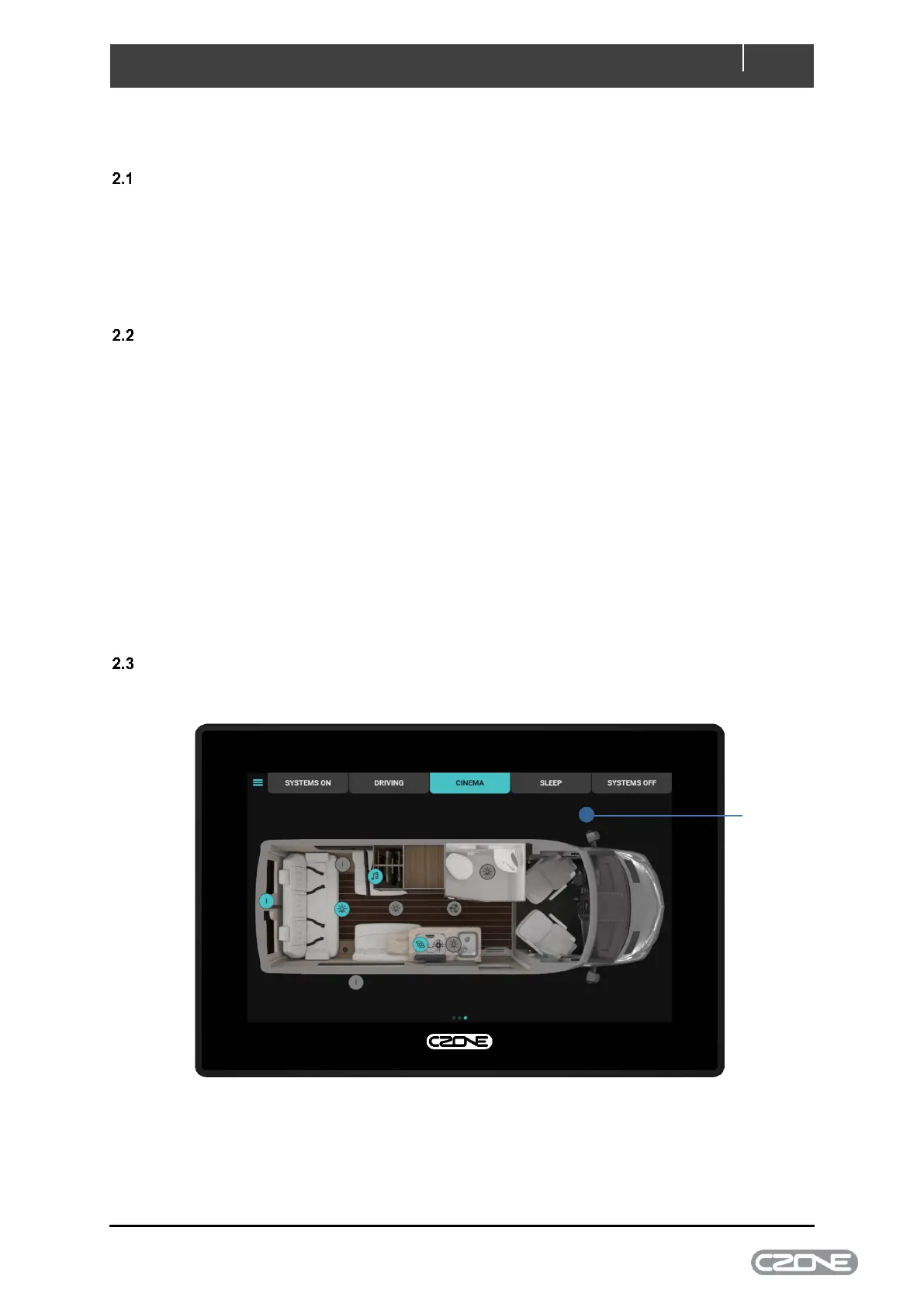
Figure 1. Touch 7 Front



 To Next Page