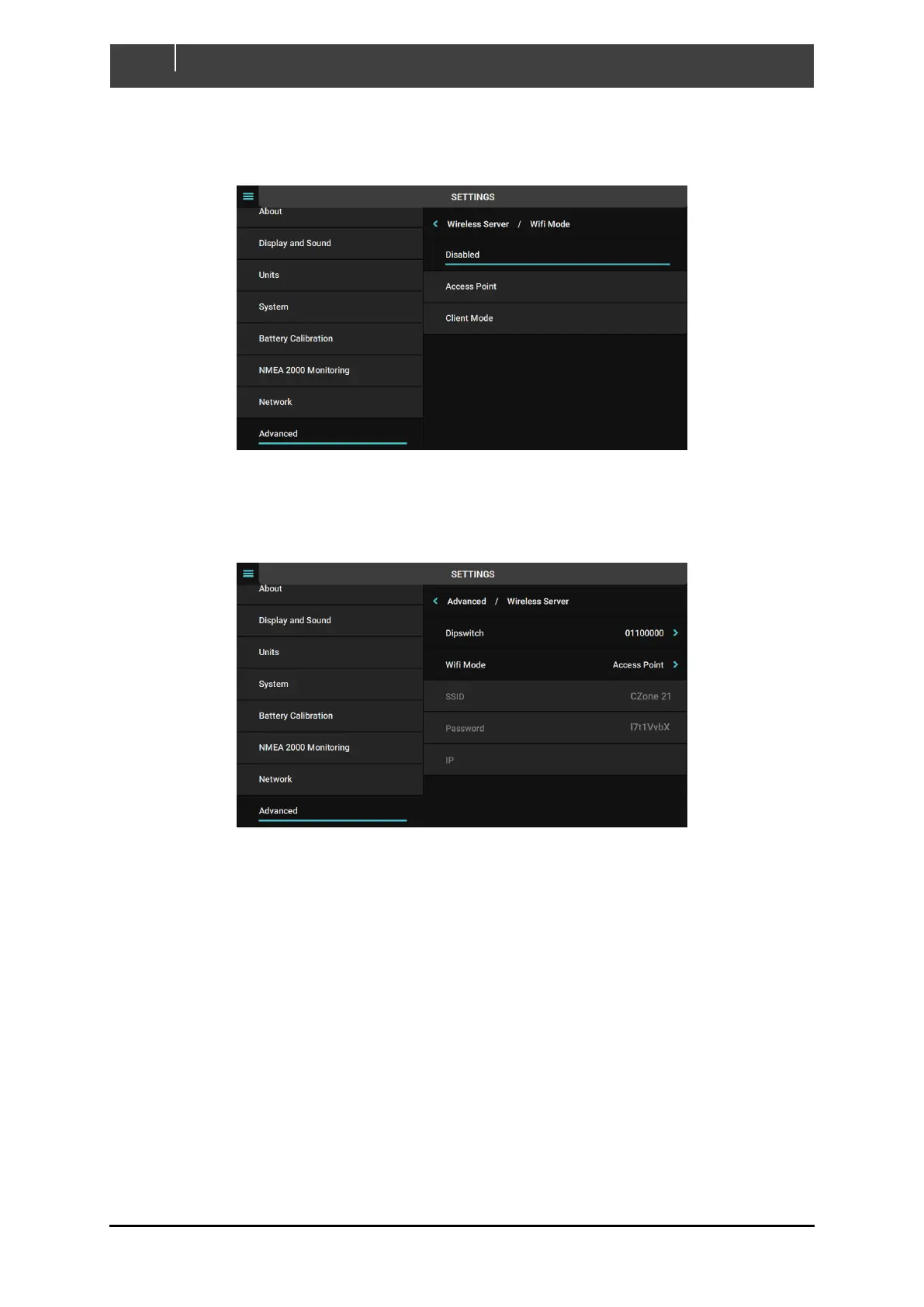
3. After Dipswitch is set, select the desired WiFi Mode. Refer to 2.5 for detail on each mode
(note: select ‘Disabled’ to configure the device in Wired Client Mode. The WiFi will be
disabled).
4. If Access Point is enabled the WiFi SSID and password will be shown per below image. Use
these credentials to connect iPad to the Touch 7 or laptop to the Touch 7 for sending favorites
configuration files (.cfp) wirelessly from the Favorites Tool.
The Wireless Server is now configured.



 To Next Page