75D-Link DIR-878 User Manual
Section 4 - Conguration
IPv6 Host
The IPv6 host settings are found at the bottom of the Dynamic DNS page.
If you wish to remove a rule, click on its trash can icon in the Delete column. If
you wish to edit a rule, click on its pencil icon in the Edit column. If you wish to
create a new rule, click the "EE3FDPSEbutton. Click Save when you are done.
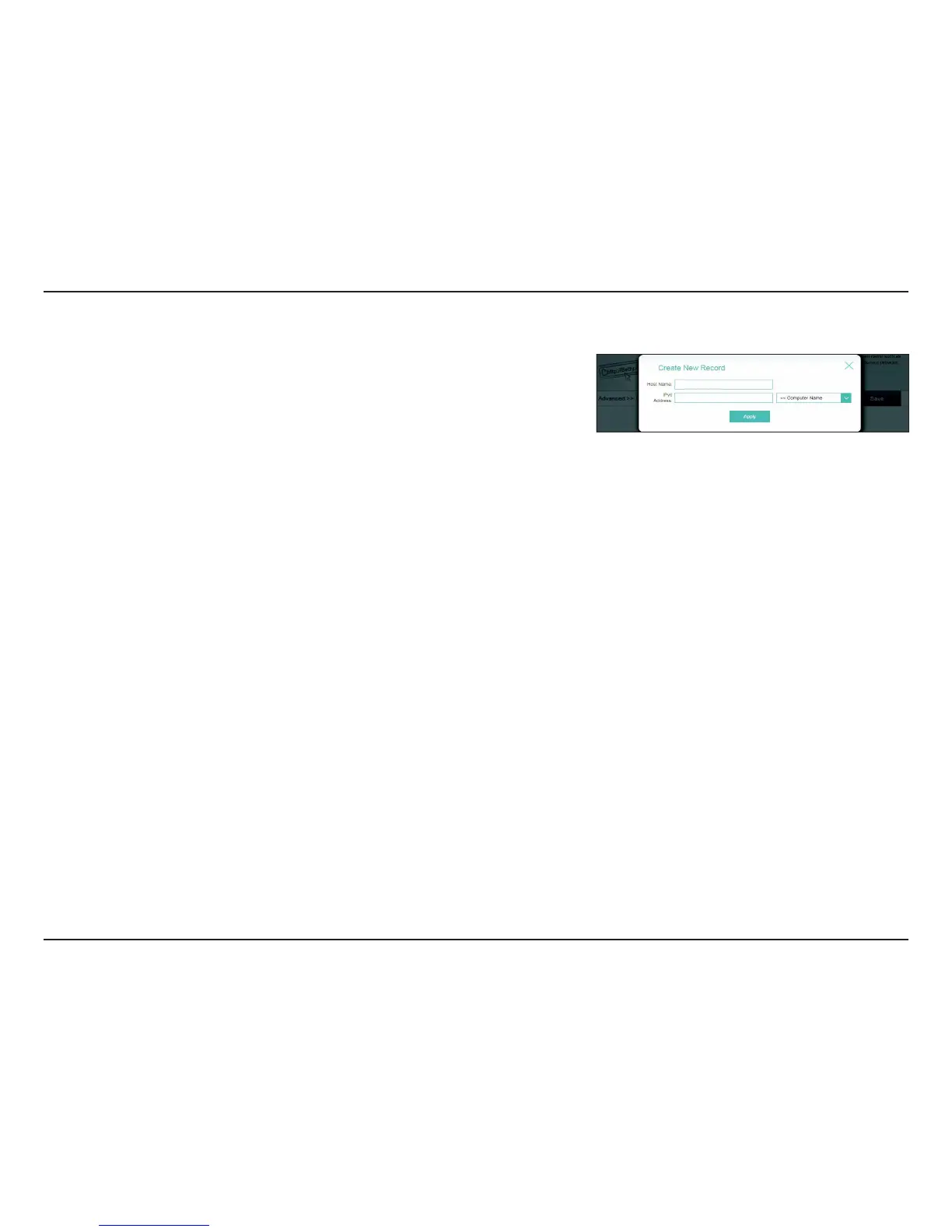
If you edit or create a rule, the following options will appear:
Host Name: Enter the host name that you registered with your dynamic DNS
service provider.
IPv6 Address: Enter the IPv6 address of the dynamic DNS server. Alternatively, select
the server device in the drop-down menu.
Click Save when you are done.









 To Next Page