16D-Link DCH-M225 User Manual
Section 2 - Product Setup
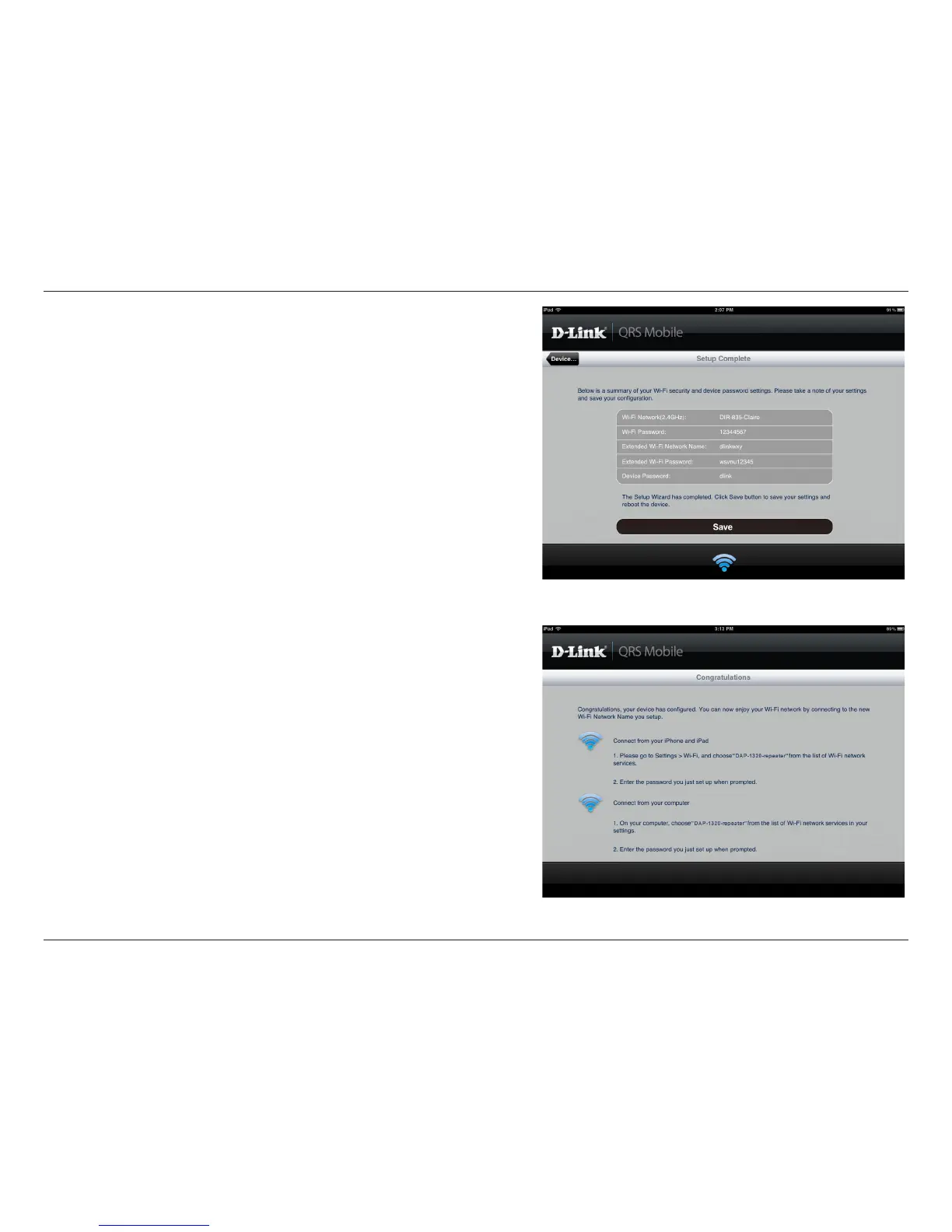
A summary of your settings will be displayed. To complete the
setup, tap Save to save your settings and reboot the device.
After conguration is complete, the following screen will appear.
You can follow the on-screen instructions to change your mobile
device and laptop Wi-Fi settings to the wireless Network Name
and Password you just created.


 To Next Page