26D-Link DCS-5000L User Manual 26
Section 3 - Conguration
Conguration
Using the Web Conguration Interface
After completing the Camera Installation Wizard, your camera is ready to use. The camera’s built-in web conguration interface
is designed to allow you to easily access and congure your DCS-5000L. There are two ways in which you can access your
camera’s web conguration interface:
• Log in to your mydlink account to access your camera’s conguration interface.
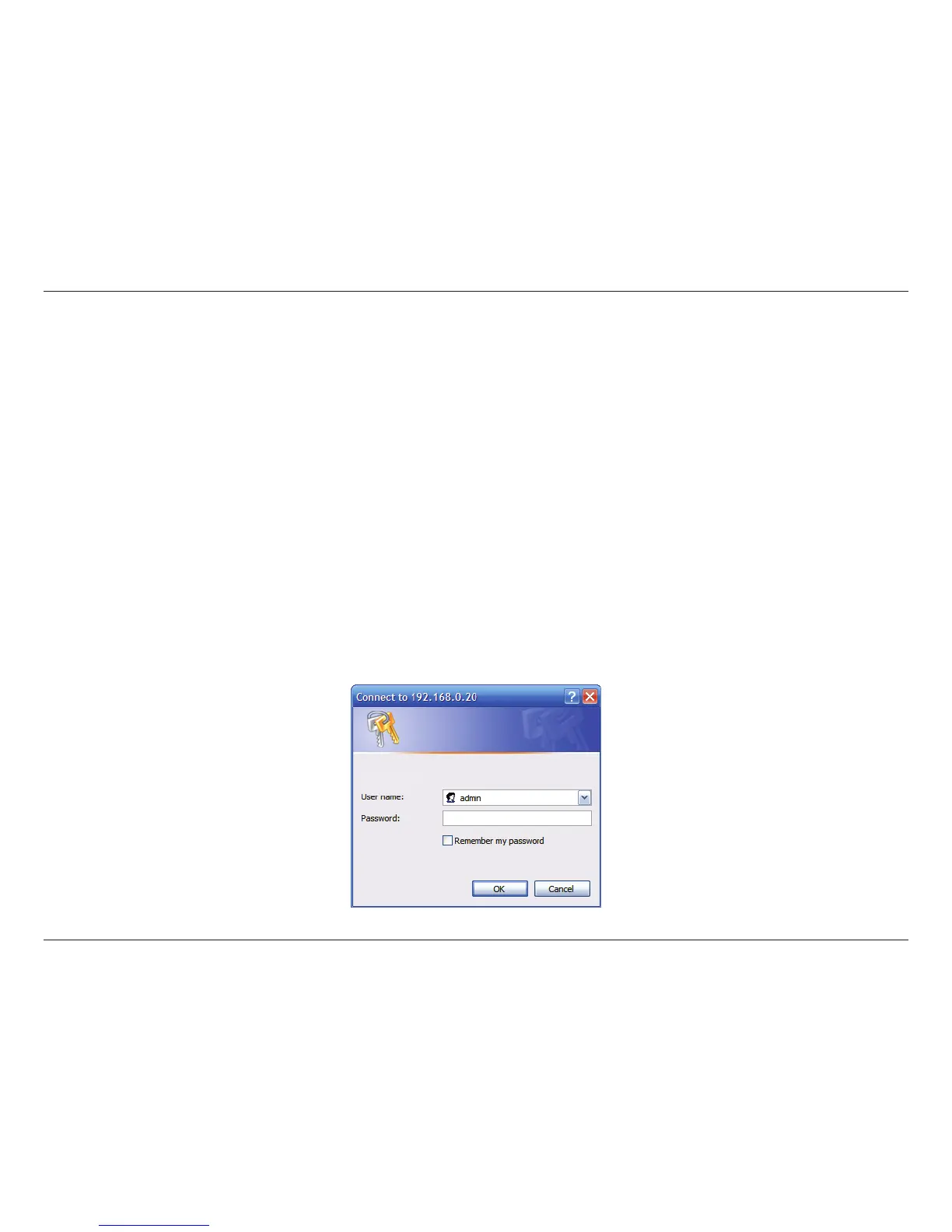
• You can also access the interface locally by entering the IP address of your camera into a web browser, such as Internet
Explorer
®
. To log in, use the User name admin and the password you created in the Installation Wizard. If you did not create
a password, leave the password eld blank. After entering your password, click OK.
Note: If you are directly connecting your camera to your PC, or if you are using the camera on a closed network, the default IP
is 192.168.0.20. If the camera is connected to a router or network, a dierent IP address may have been assigned.
DCS-5000L















 To Next Page