36D-Link DCS-5000L User Manual 36
Section 3 - Conguration
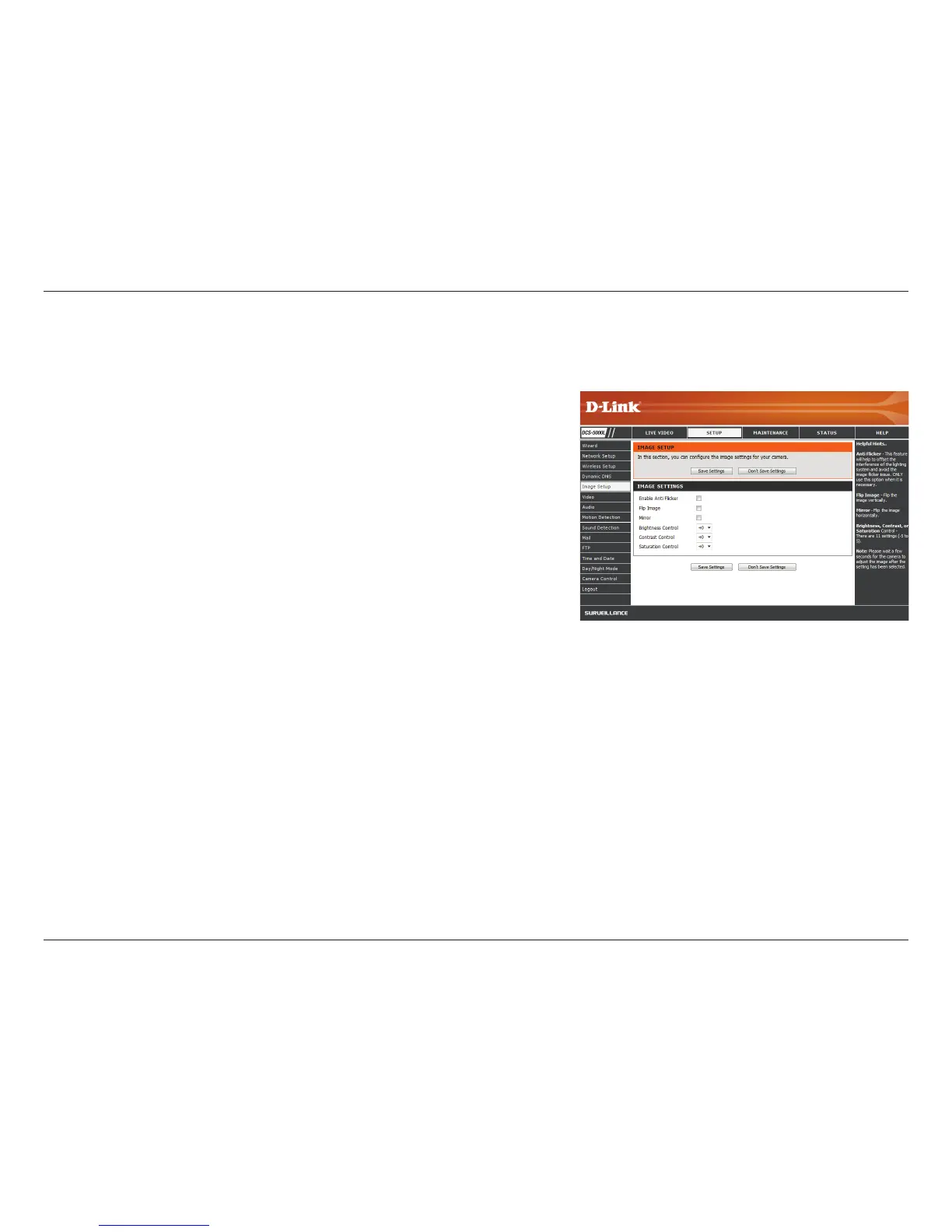
Image Setup
If you have lights ickering in your camera video, try enabling
anti-icker. Otherwise, you should leave this disabled.
Select this box to vertically ip the video.
Horizontally ip the video.
Note: If the camera is installed upside down, Flip Image and
Mirror should both be checked.
Allows you to adjust the brightness level. Select a setting
between -5 and +5.
Allows you to adjust the contrast level. Select a setting
between -5 and +5.
Allows you to adjust the saturation level. Select a setting
between -5 and +5.
Enable Anti-
icker:
Flip Image:
Mirror:
Brightness
Control:
Contrast
Control:
Saturation
Control:
This section allows you to congure the image settings for your camera.















 To Next Page