32D-Link DCS-5000L User Manual 32
Section 3 - Conguration
Network Setup
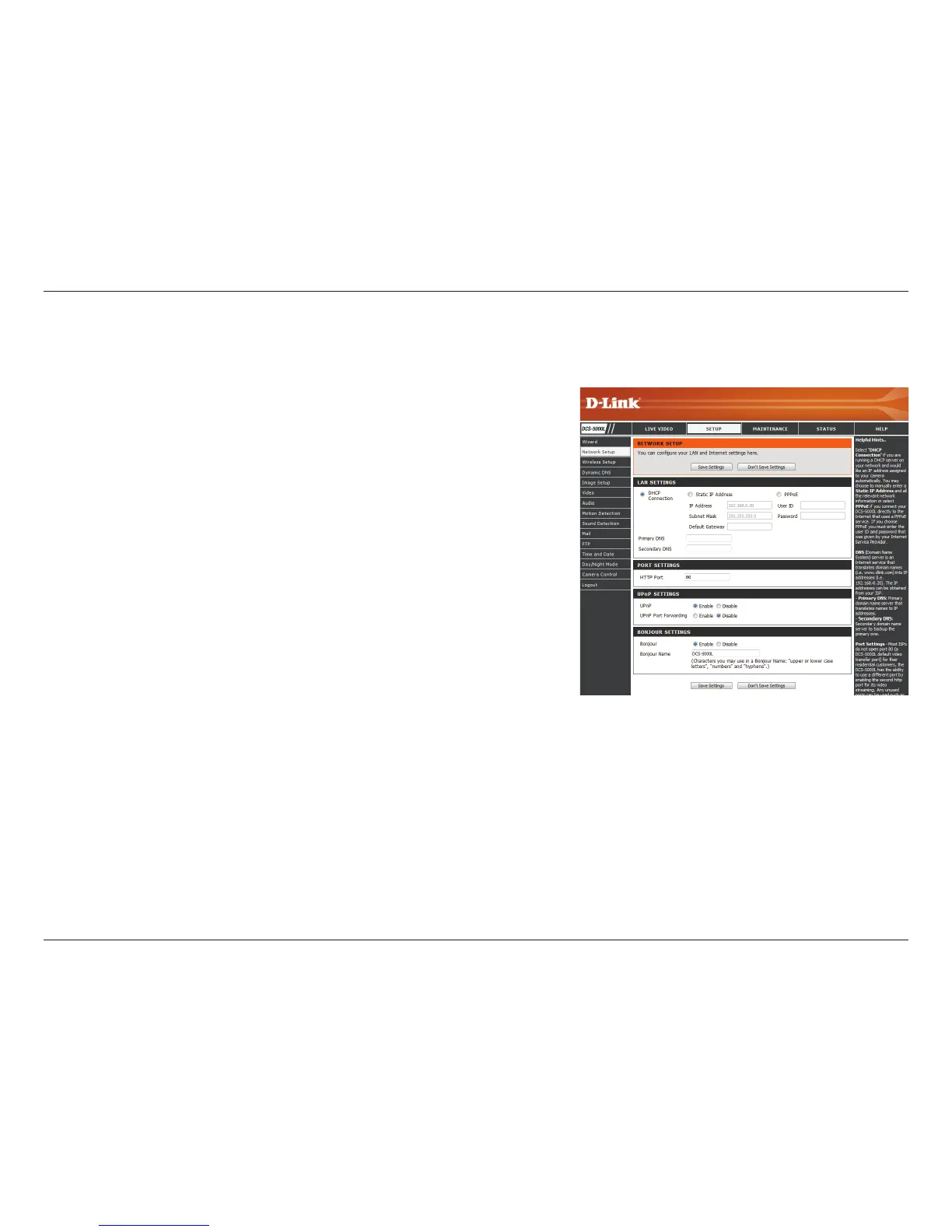
This section allows you to congure your network settings.
Select this connection if you have a DHCP server running
on your network and would like a dynamic IP address to be
assigned to your camera automatically.
Select this connection type if your Internet Service Provider
(ISP) or network administrator has provided you with a
static or xed IP address and other network information for
your camera. Click on the Static IP Address radio button to
activate this method.
IP Address: The xed IP address
Subnet Mask: The default value is “255.255.255.0.” Used to
determine if the destination is the same subnet.
Default Gateway: The gateway used to forward data to
destinations in a dierent subnet. Invalid gateway settings
may cause the failure of transmissions to a dierent subnet.
Primary DNS: Primary domain name server that translates
names to IP addresses.
Secondary DNS: Secondary domain name server to backup
the Primary DNS.
If you need to connect to the Internet using a PPoE
connection, click on the PPPoE radio button and enter the
username and password provided to you by your Internet
Service Provider or Network Administrator.
DHCP:
Static IP
Client:
PPPoE:















 To Next Page