33D-Link DCS-5000L User Manual 33
Section 3 - Conguration
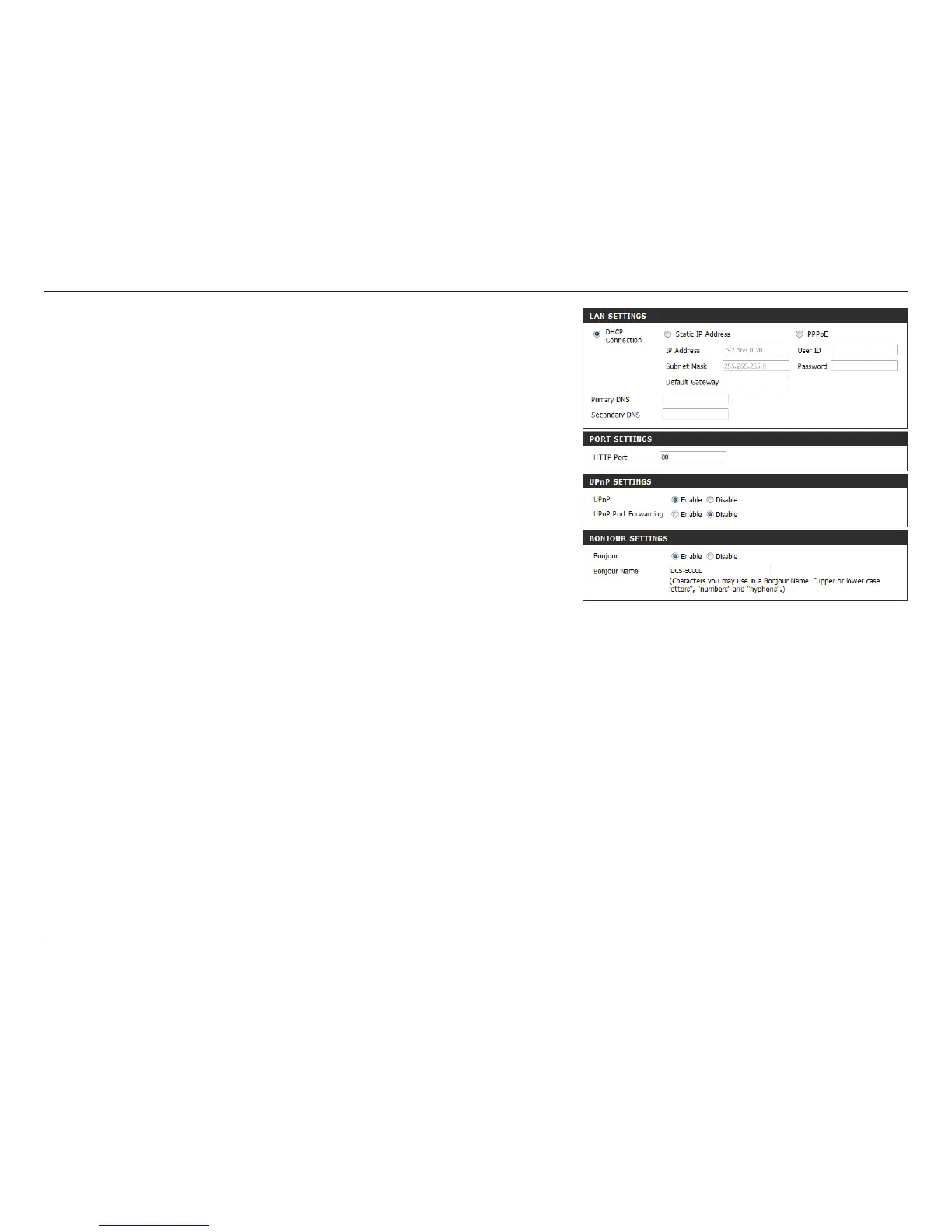
You may congure a second HTTP port that will allow you
to connect to the camera via a standard web browser. The
port can be set to a number other than the default TCP
port of 80. A corresponding port must be opened on the
router. For example, if the port is changed to 1010, users
must type http://192.168.0.100:1010 instead of only
“http://192.168.0.100”.
Enable this setting to congure your camera as a UPnP
device in the network. You can also enable UPnP port
forwarding.
Enable this setting to allow your camera to be discovered
by the Bonjour service. You can also specify a Bonjour name
for the device.
Port Settings:
UPnP
Settings:
Bonjour
Settings:















 To Next Page