45D-Link DCS-5000L User Manual 45
Section 3 - Conguration
Image
Frequency:
Base File
Name:
File:
Test FTP
Server:
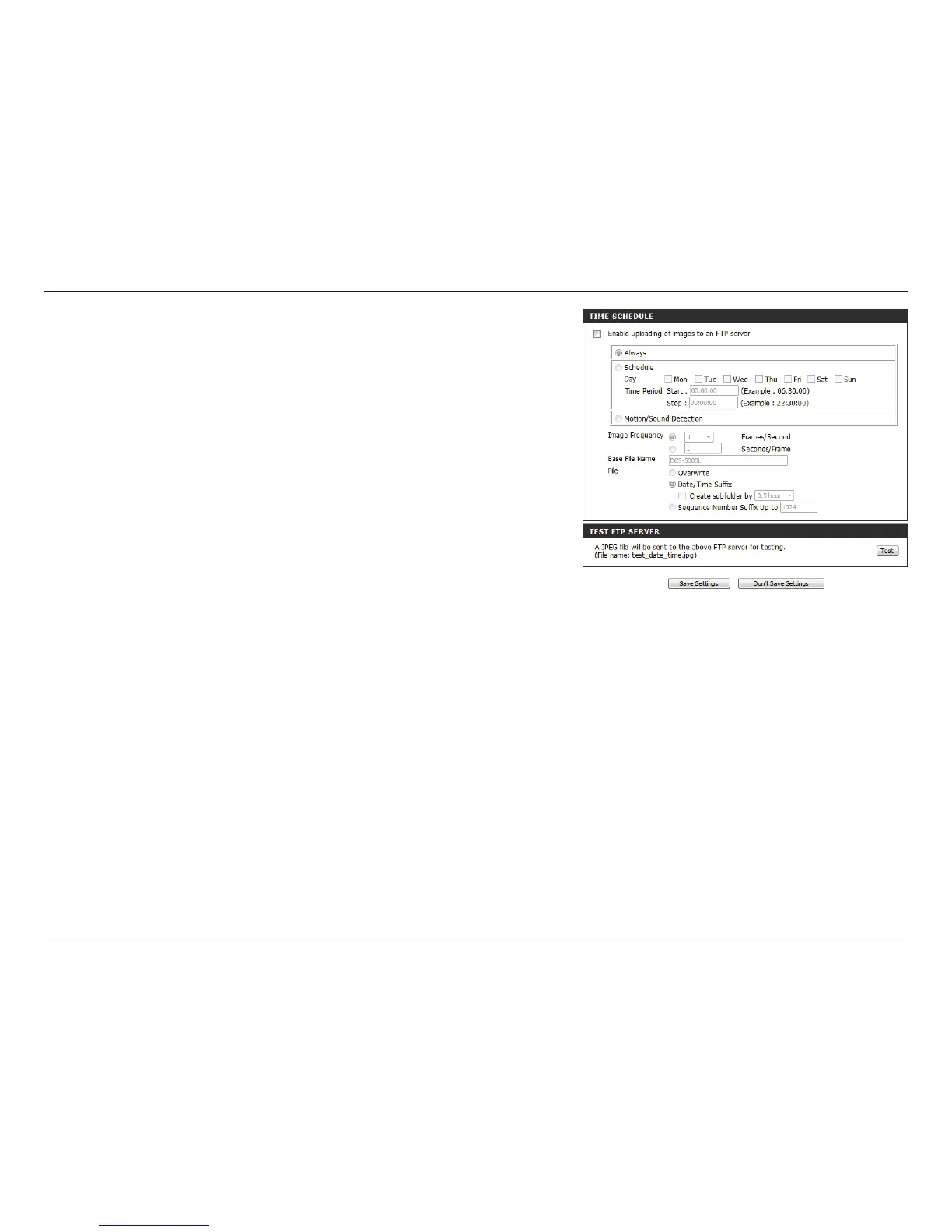
Set how frequently you want images to be taken and
uploaded. You can choose to upload by frames per second,
or by seconds per frame.
Set the desired base le name for your snapshots.
Select how you want uploading of snapshots to be handled:
• Overwrite will replace the old snapshot with the new
one. This means you will only have one snapshot that
is updated every time a new one is taken.
• Date/Time Suffix will add the date and time to the
end of the snapshot file name. You can also choose
to make subfolders based on a period of time you
specify to help you organize your snapshots.
• Sequence Number Suffix will add a number to the
end of the snapshot file name up to the number you
specify, after which the oldest files will be overwritten.
Clicking on the Test button will send a test JPEG snapshot
to the FTP server specied above to make sure that your
settings are correct.















 To Next Page