40D-Link DIR-400 User Manual
Section 3 - Conguration
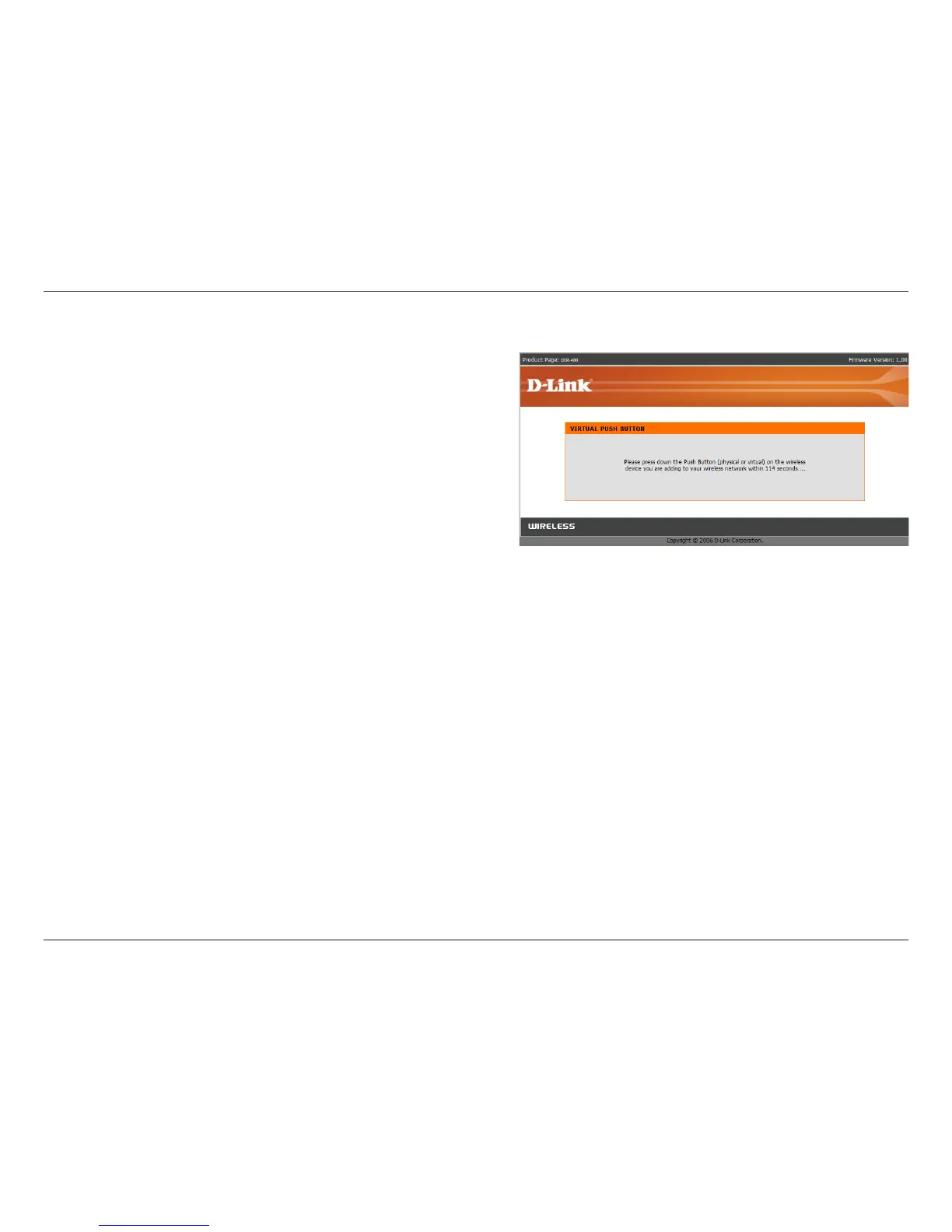
If you selected PBC, you will need to press the WPS
push button on your device within 2 minutes, and
the device’s wireless connection will automatically
be congured.
After 2 minutes, you will be taken back to the Wireless
Setup screen. If no devices were connected during
that time, a screen will appear allowing you to retry
device connection.
Adding a Wireless Device through WPS (PBC)


 To Next Page