34D-Link DIR-803 User Manual
Section 3 - Conguration
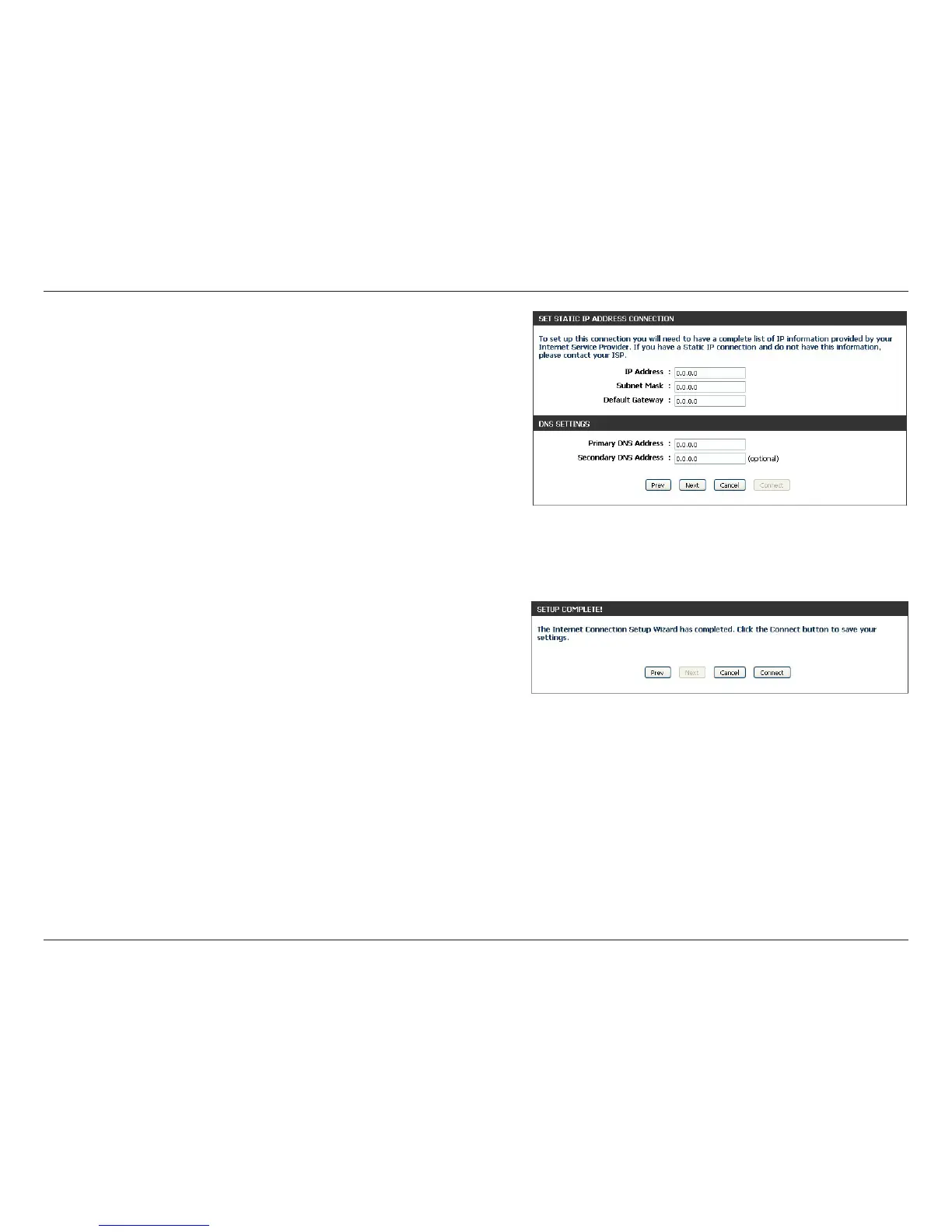
If you selected Static, enter the IP Address and DNS settings
supplied by your ISP. Click Next to continue.
When the setup process is complete, you will see this screen. Click
on Connect to save your settings.



 To Next Page