88D-Link DIR-803 User Manual
Section 3 - Conguration
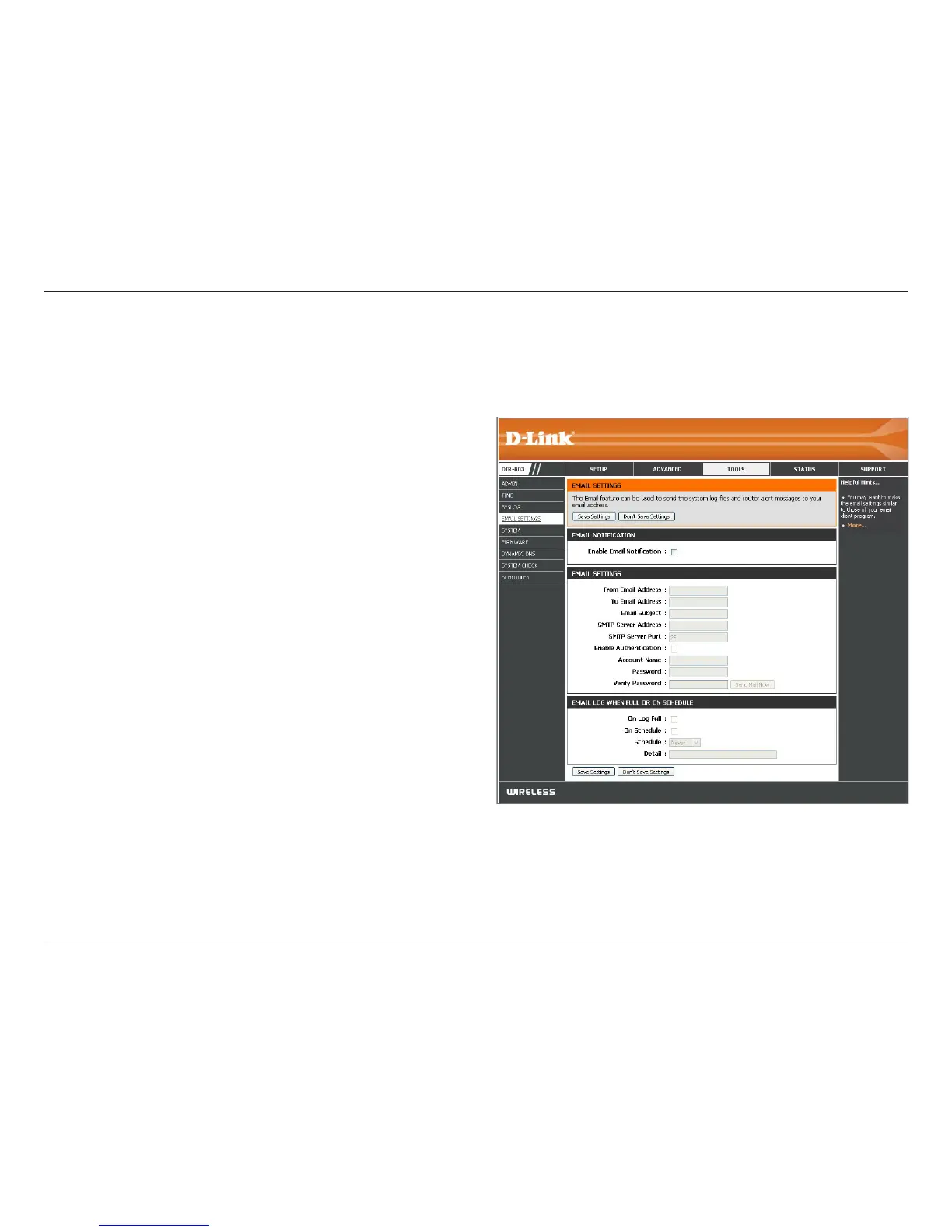
Email Settings
The Email feature can be used to send the system log les, router alert messages, and rmware update notication to your
e-mail address.
Enable Email
Notication:
From Email Address:
To Email Address:
Email Subject:
SMTP Server Address:
SMTP Server Port:
Enable Authentication:
Account Name:
Password:
On Log Full:
On Schedule:
Schedule:
Details:
When this option is enabled, router activity logs are sent to a
designated e-mail address.
This e-mail address will appear as the sender when you receive a log
le or rmware upgrade notication via e-mail.
Enter the e-mail address where you want the email sent.
Enter a subject line for your e-mail.
Enter the SMTP Server Address for sending e-mail.
Enter the SMTP port used on the server.
Check this box if your SMTP server requires authentication.
Enter your account for sending e-mail.
Enter the Password associated with the account. Re-type the
password associated with the account.
When this option is selected, logs will be sent via e-mail to your
account when the log is full.
Selecting this option will send the logs via e-mail according to
schedule.
This option is enabled when On Schedule is selected. You can select
a schedule from the list of dened schedules. To create a schedule,
go to Tools > Schedules.
Detail will display selected schedule.
Click Save Settings.



 To Next Page