DSL-2640U Wireless ADSL2+ Router with Ethernet WAN Support
User Manual
Configuring via Web-based Interface
)#
To configure the router's local interface, go to the Connections Setup / LAN page.
IPv4
Go to the IPv4 tab to change IPv4 address, configure the built-in DHCP server, or specify MAC
address and IP address pairs.
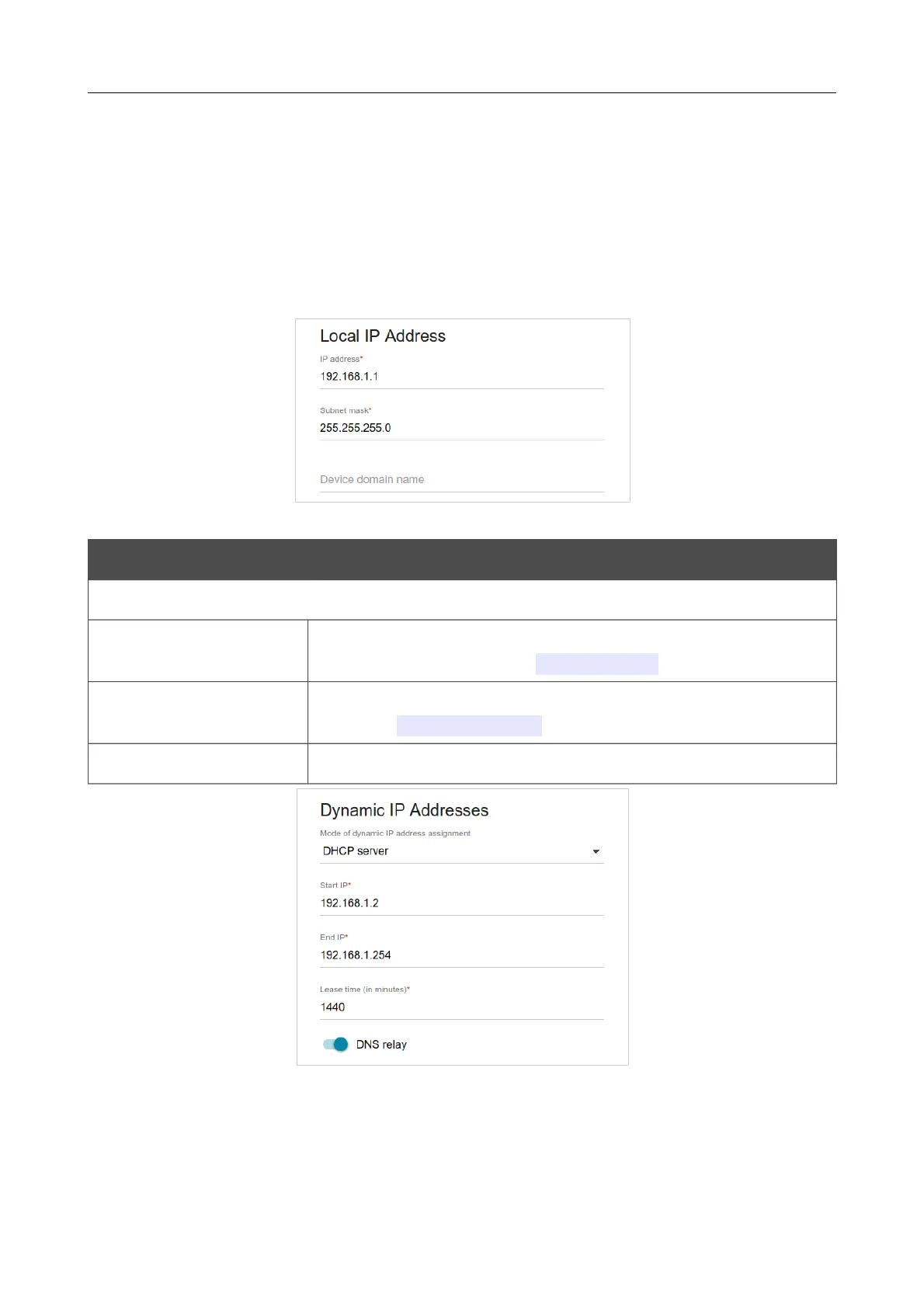
Figure 74. Configuring the local interface. The IPv4 tab. The Local IP Address section.
Parameter Description
Local IP Address
IP address
The IP address of the router in the local subnet. By default, the
following value is specified: 192.168.1.1.
Subnet mask
The mask of the local subnet. By default, the following value is
specified: 255.255.255.0.
Device domain name The name of the device attached to its IP address in the local subnet.
Figure 75. Configuring the local interface. The IPv4 tab. The Dynamic IP Addresses section.
Page 95 of 174















 To Next Page