DSL-2740E User Manual
8
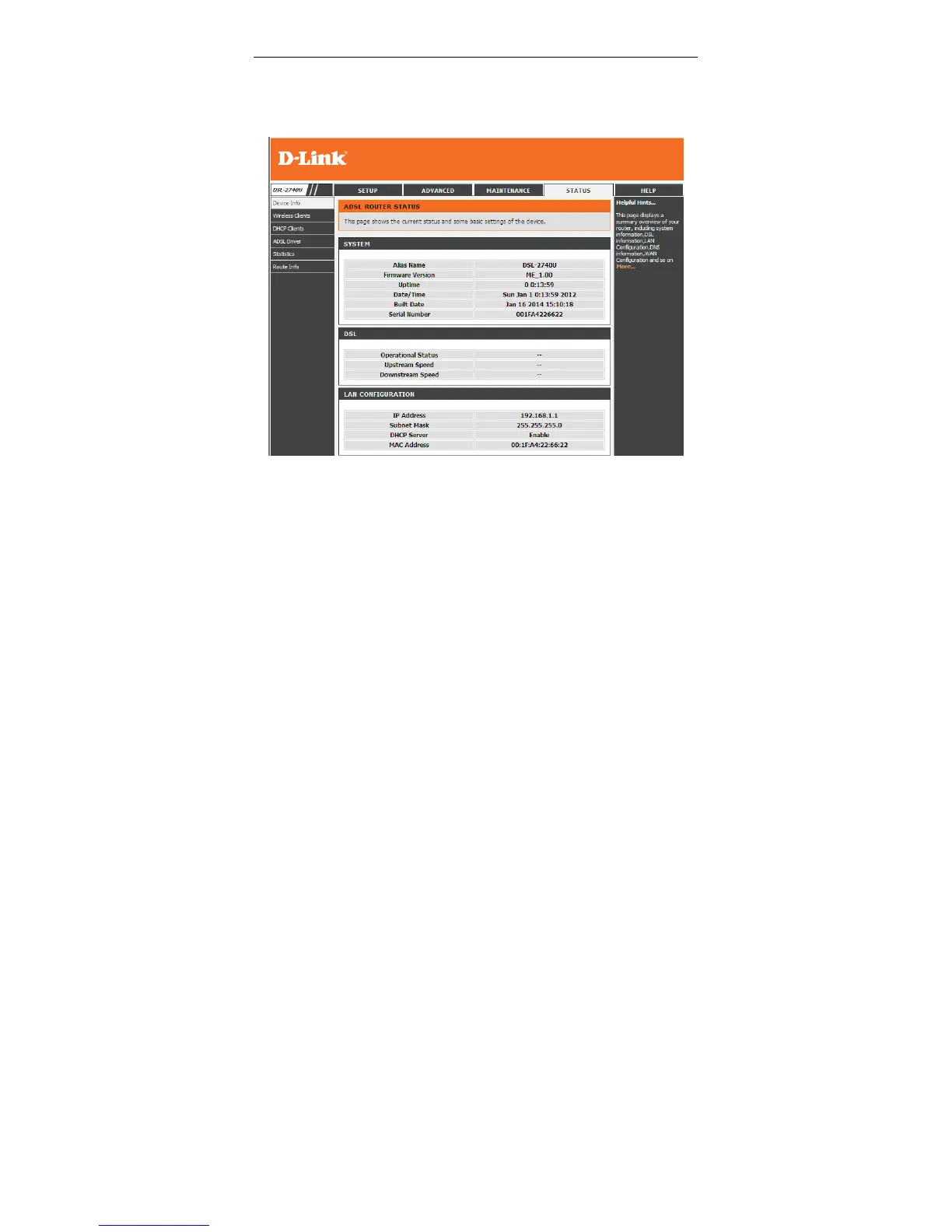
If you log in as the super user successfully, the page shown in the following figure
divided into two parts appears. This page displays a summary overview of the
router, including the system information, DSL information, LAN Configuration, DNS
information and WAN Configuration.
Figure 4 Device information - 1



 To Next Page