DVG-7111S User’s Manual ADVANCED
D-Link Systems, Inc. 45
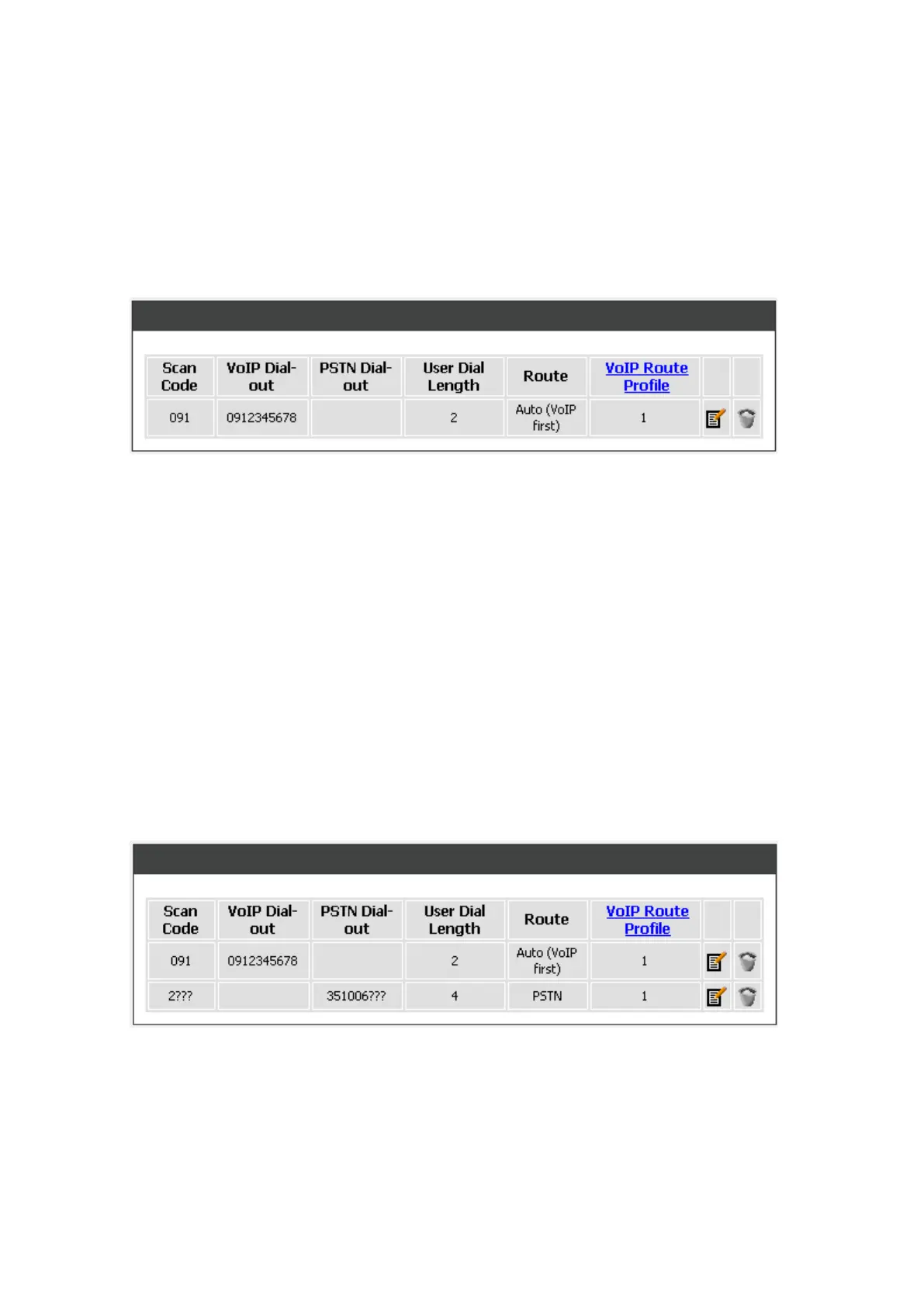
For example,
Scan Code: 091
VoIP Dial-out: 0912345678
PSTN Dial-out: leave it as blank
User Dial Length: 2
Route: Auto
VoIP Route Profile: Route # 1
Pick up the handset and dial 091, and the system will do the things as follow:
1. Change the phone number to the global number. 091 is changed to 0912345678. Then, follow the
VoIP Route Profile # 1.
2. If Server 1 is failed, because of Route is Auto, the call is diverted to PSTN.
Method 2- Multi mapping: Fill the prefix code into the Scan Code column and the format to transfer
into the VoIP Dial-out column.
For example,
Scan Code: 2???
VoIP Dial-out: leave it as blank
PSTN Dial-out: 351006???
User Dial Length: 4
Route: PSTN
VoIP Route Profile: leave it as default
Pick up the handset and dial 2301. The system will divert 351006301 to PSTN.



 To Next Page