14
KEYBOARD SETTING
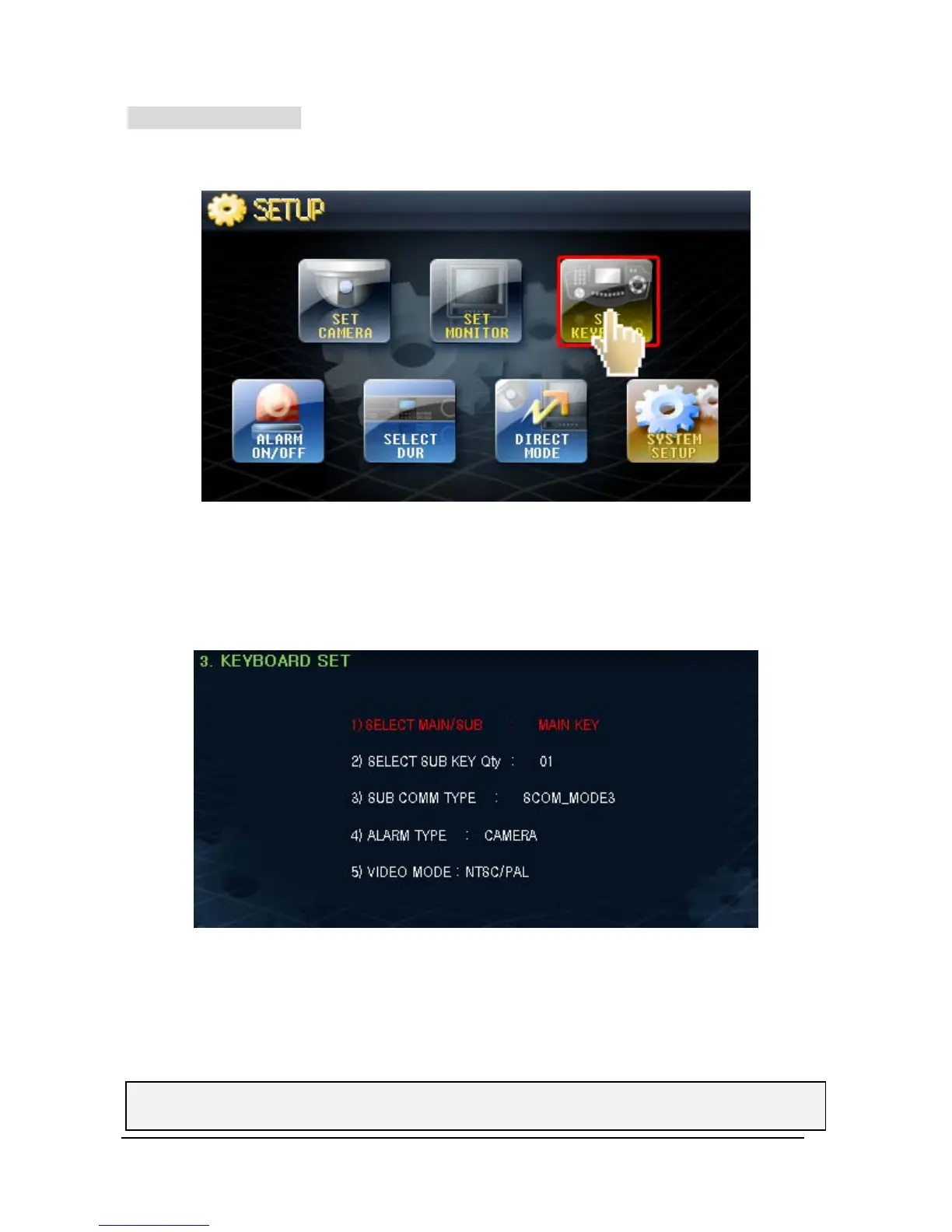
Here you can select the usage of the keyboard.
① Touch ‘SET KEYBOARD’ button on screen, then will go into “SET-UP” mode.
② To select Set-up menu by using Joy-stick “UP” & “ Down” moving, and to change
Set-up Value by using Head of Joy-stick “Left” & “Right” turning“.
1) SELECT MAIN/SUB
- The unit can be set as Main Keyboard or Sub Keyboard.
- Default Value is “MAIN KEY”, but could change to “SUB KEY” by using Head of Joy-stick
Left/Right turning.
♦ If select “MAIN / SUB” by SUB KEY, No.2 would be changed to “SUB NUMBER SELECT”.



 To Next Page