Local Configurations 153
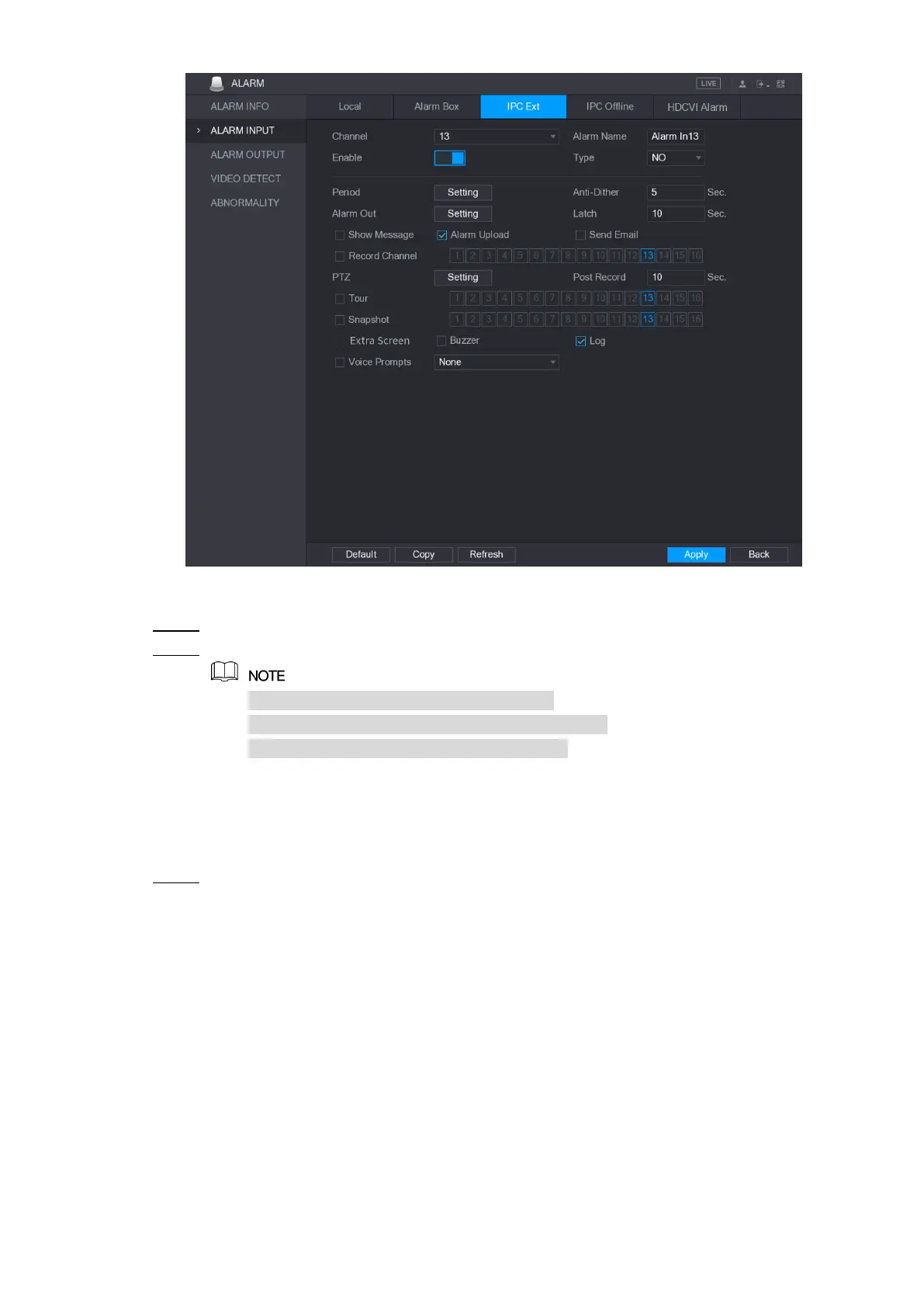
Figure 5-120
Configure the alarm input settings from the external IPC. For details, see Table 5-35. Step 2
Click Apply to complete the settings. Step 3
Click Default to restore the default setting.
Click Copy to copy the settings to other channels.
Click Refresh to refresh configured settings.
5.10.2.4 Configuring Alarms for IP Camera Offline
You can configure the alarm settings for the situation when the IP camera is offline.
Select Main Menu > ALARM > ALARM INPUT > IPC Offline. Step 1
The IPC Offline interface is displayed. See Figure 5-121.


 To Next Page
 Loading...